3D Pose Maker for Drawing
In short
Pick a ready pose from the gallery or bend every joint of one of 59 rigged 3D characters. Then download the pose as a PNG drawing reference, as a GLB for Blender and game engines, as an OBJ ZIP for Delightex (CoSpaces) or as an STL for Tinkercad and 3D printing. Free, CC0, no account, nothing is uploaded.
- Figures
- 59 rigged
- Ready poses
- 18
- Export
- PNG · GLB · OBJ · STL
- License
- CC0 1.0
- Account
- none
Click a pose to open it in the 3D editor below, then turn the camera or change any joint. Every picture was rendered with the editor itself.
Print friendly poses keep the arms close to the body and both feet on the ground, so they need few supports.
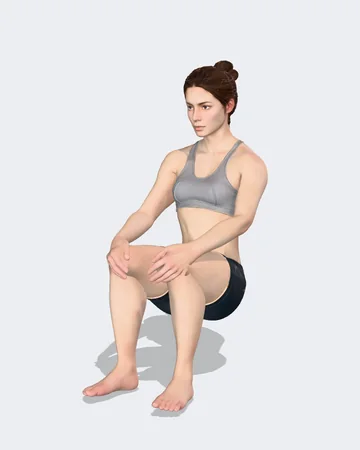
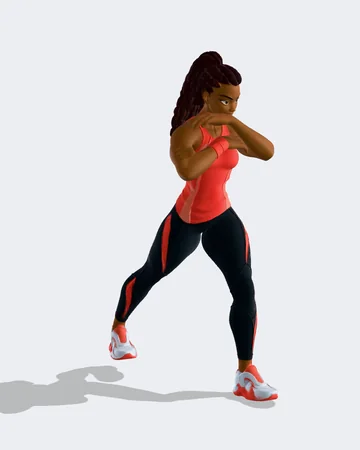
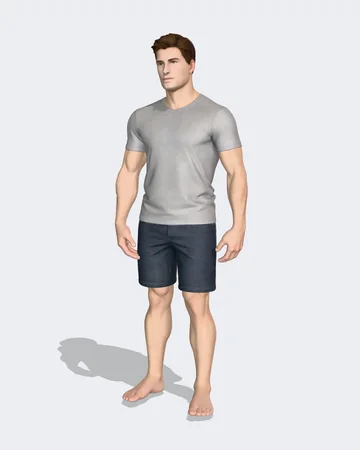
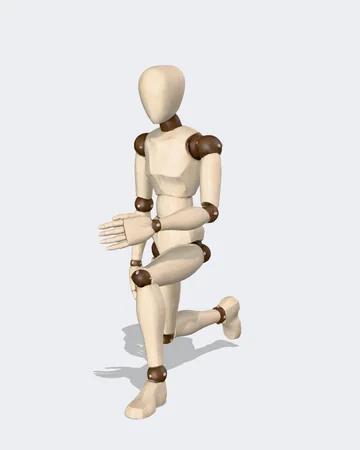
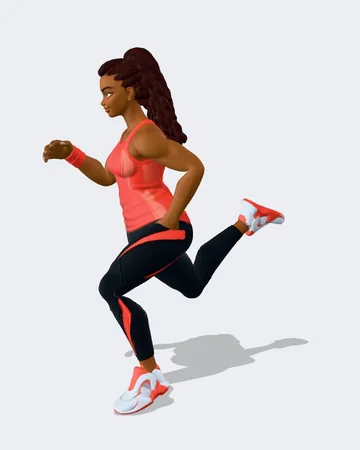
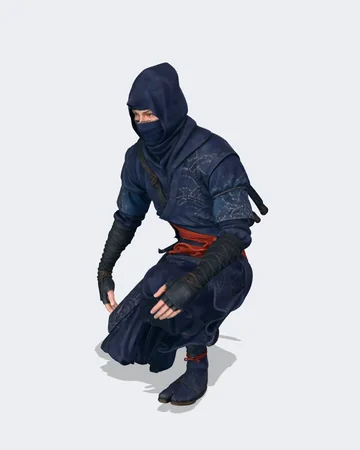
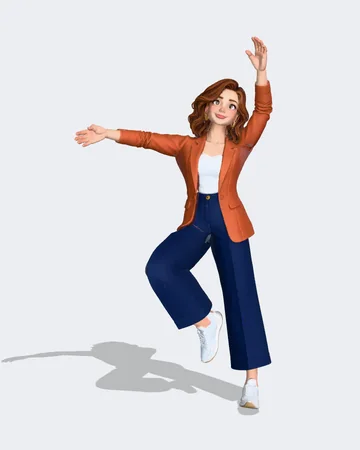
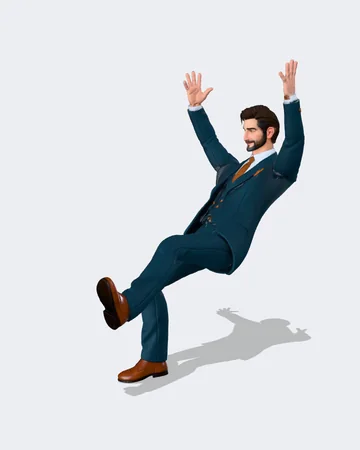
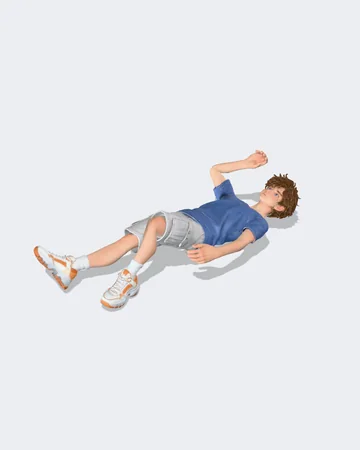
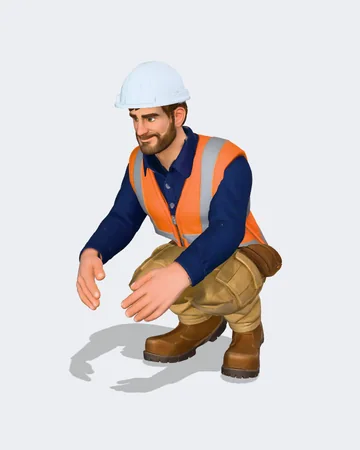

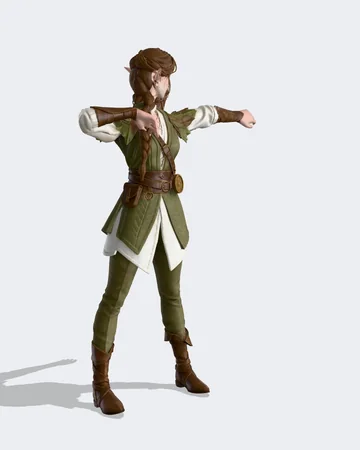
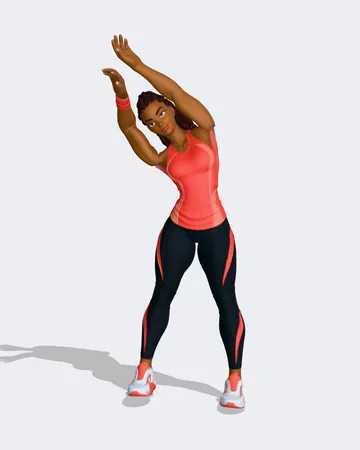
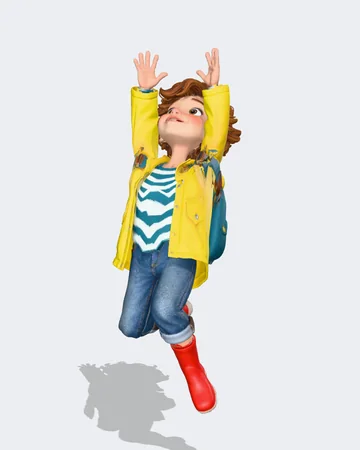
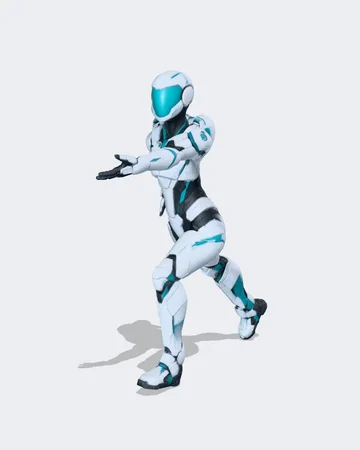
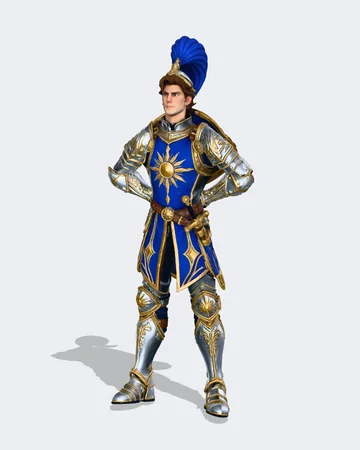
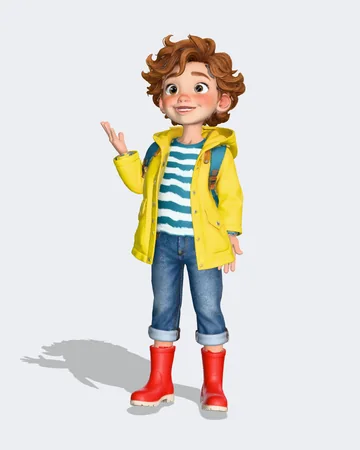

Loads three.js and one figure (about 2 to 3 MB).
How to make a 3D pose reference
- Click a picture in the gallery or a ready pose in the editor. The figure takes the pose at once.
- Tap a dot on a joint and drag one of the rings: red bends, blue moves sideways, green twists. The sliders do the same with exact numbers.
- Switch to “Move hands and feet” to drag a hand or a foot, the arm or leg follows. Symmetry copies every change to the other side.
- Turn the camera or use the fixed views (front, side, back, top, 3/4). The camera only moves when you move it.
- Download a PNG for drawing, a GLB, an OBJ ZIP or an STL. A share link keeps figure and pose in the address, without a server.
An online drawing mannequin with real characters
A wooden art mannequin shows proportions, a real character also shows clothes, hair and volume. The editor has both: the stylized mannequin and 59 rigged figures from the Grab3D library, from base meshes to knights, astronauts and a yeti.
Every pose is stored as joint angles that fit all figures, so you can try the same pose on a child, a troll and an armored knight and compare the silhouettes.
Download formats and where they go
The pose is baked into the mesh, so the file shows the pose in any program. Nothing is behind a paywall and there is no watermark.
- PNG
- Drawing reference with a transparent or white background, up to 4096 pixels high. Optional grey clay look and four views in one ZIP.
- GLB
- For Blender, Godot, Unity and Unreal. Either a static mesh or the posed rig with its skeleton for further posing.
- OBJ ZIP
- For Delightex Edu (CoSpaces): OBJ, MTL and a JPG texture in one ZIP without folders, the MTL points to the texture without a path, origin between the feet, Y up.
- STL small
- For Tinkercad: a closed mesh reduced towards 25,000 triangles (more where the shape needs it), usually 1 to 3 MB, Z up, size in millimetres.
- STL print
- For Bambu Studio, PrusaSlicer and Cura: one merged, closed mesh with outward normals, height in millimetres, optional round base and a warning for parts thinner than about 1 mm.
For schools and makerspaces
- No account, no login and no class code. Students open the page and start.
- Students enter no personal data. The editor sends nothing: figures load from grab3d.com, poses and exports are made on the device and are never uploaded. The site counts page views without cookies and without keeping IP addresses, Google Analytics only runs after consent in the cookie banner. That keeps a COPPA or GDPR review short.
- Runs in a current web browser on Chromebooks, iPads and desktop computers, with touch and mouse. The interface grows with the window and has a size setting.
- Give a pose to the whole class with the share link: figure and pose sit in the address, nothing is stored on a server.
- Exports are CC0, so students may print, remix and publish their figures freely.
Upload to Delightex (CoSpaces)
- Choose “Delightex / CoSpaces (OBJ ZIP)” and download the ZIP.
- In Delightex open Upload, then 3D models, and upload the ZIP as it is. Do not unpack it and do not put it into another ZIP.
- The figure stands on the ground because its origin sits between the feet. Uploads are limited to 50 MB, the ZIP stays well below that.
Printing a posed figure
- Start with a print friendly pose: arms close to the body and both feet on the ground need few supports.
- The print STL is rebuilt as one closed solid, so bent elbows and knees that overlap are merged instead of leaving holes. The round base keeps small figures standing.
- At 28 mm fingers and cloth edges get thinner than 1 mm. The export names those spots. Print larger or check them in the slicer.
What it does not do (yet)
- Fingers are not posable yet. Hands turn at the wrist. 5 of the figures have finger bones in their rig.
- One figure at a time, no props such as chairs or swords.
- Poses are still poses, there is no animation timeline.
- You cannot load your own model here. For that, rig it in the Auto-Rig Studio.
- The print STL is made from voxels, so details smaller than the voxel size shown after the export are smoothed.
Questions and answers
Is the 3D Pose Maker really free?
Yes. Every figure, pose and export is free, without an account, a watermark or a paid tier. The exported files are CC0 1.0, also for commercial work.
Which figures can I pose?
All 59 rigged figures of the Grab3D library: people, fantasy characters, sci-fi figures and a stylized drawing mannequin. A pose moves with you when you switch the figure.
Can I use the pictures as drawing references?
Yes. Export a PNG with a transparent or white background, as one view or as front, side, back and 3/4 together. The pictures are CC0.
Can I pose the fingers?
Not yet. Hands turn at the wrist. Most library rigs have no finger bones, 5 figures do, and hand poses for them are planned.
How do I get a pose into Delightex or CoSpaces?
Choose the Delightex export. It writes OBJ, MTL and a JPG texture flat into one ZIP with the origin between the feet. Upload that ZIP unchanged under Upload, 3D models.
Can I 3D print a posed figure?
Yes. The print STL is one closed, merged mesh in millimetres, Z up, with an optional round base. Pick the height of the standing figure, the export warns about parts thinner than about 1 mm.
Does the tool upload my work or track students?
No. Poses and exports are made in the browser on your device and the editor sends no data. Only figure files and pictures are loaded from grab3d.com. The site counts page views without cookies, Google Analytics only runs after consent.
How do I share a pose?
Use “Copy share link”. The figure and every joint angle are stored in the part of the address after #, which the browser does not send to the server.
Every file you export is CC0 1.0: free for lessons, prints, games and commercial work, no credit needed. About the license