
Abuse
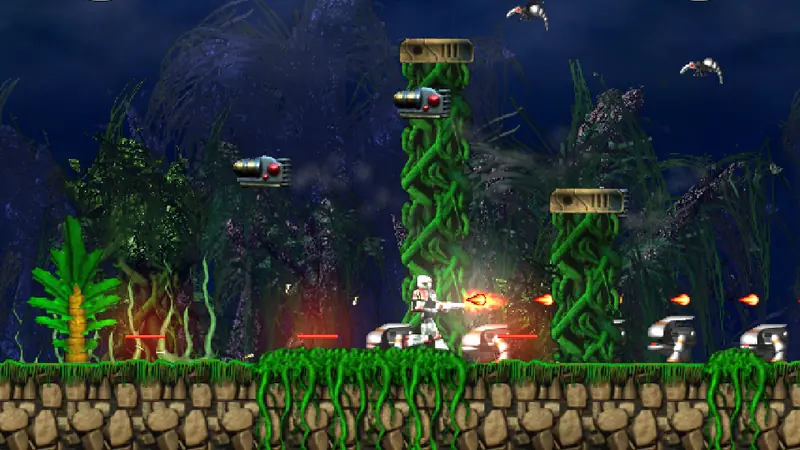
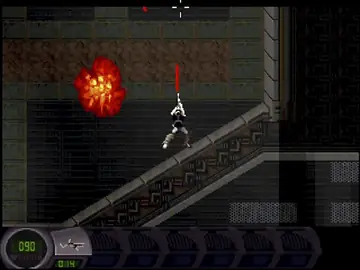
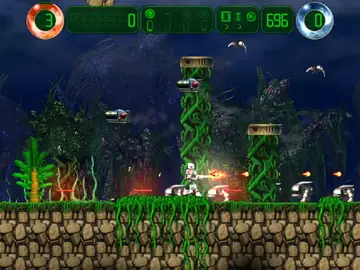
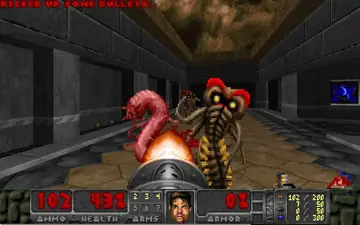
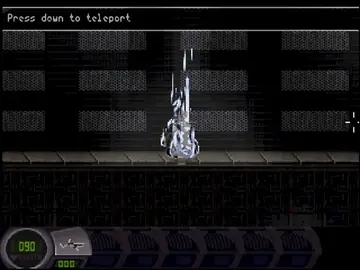
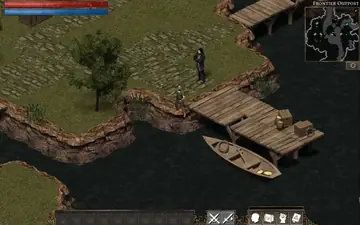
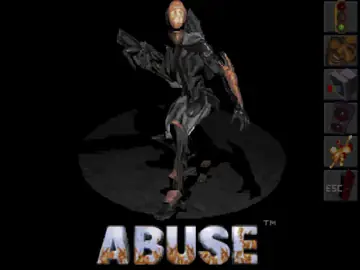
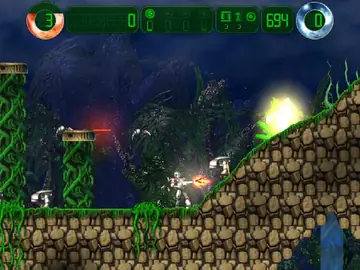
Dark, atmospheric run and gun action: move with the keyboard and aim freely with the mouse.
- Keyboard and mouse
- Touch
- Gamepad
Game in English
// 9 games · play in your browser
Classic games online, from city building to the first person shooter: open source and freeware classics, compiled for the web and carefully remastered. Sharper picture, modern controls for keyboard, touch and gamepad, saves on your device. The game logic stays exactly as in the original.
01 // Games
Every game opens in a new full page player with fullscreen, a controls overview and, where the game has savegames, a backup. Click Details for screenshots, controls and licenses.
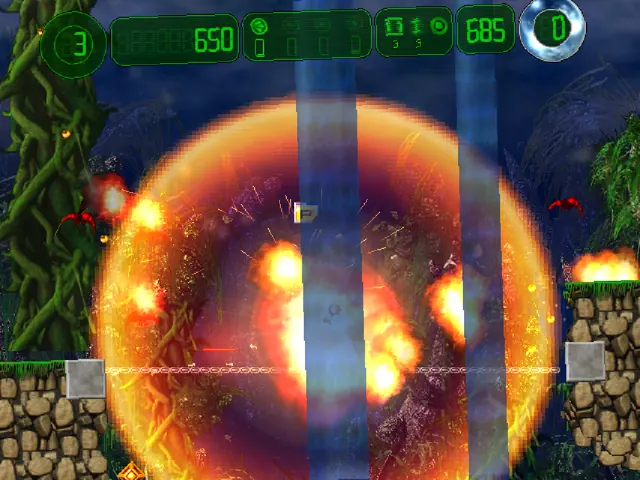
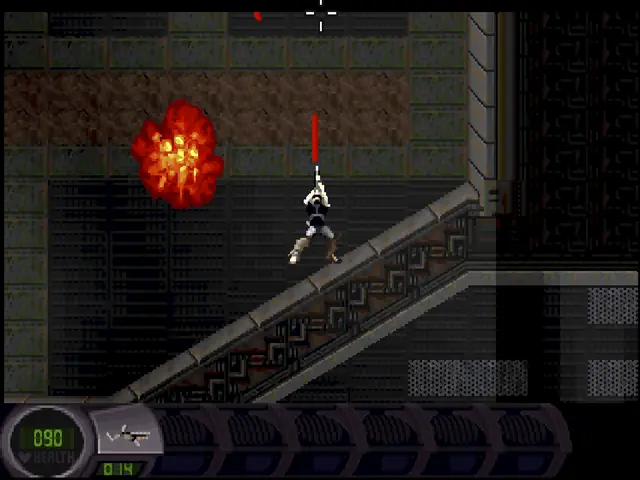
Dark, atmospheric run and gun action: move with the keyboard and aim freely with the mouse.
Game in English
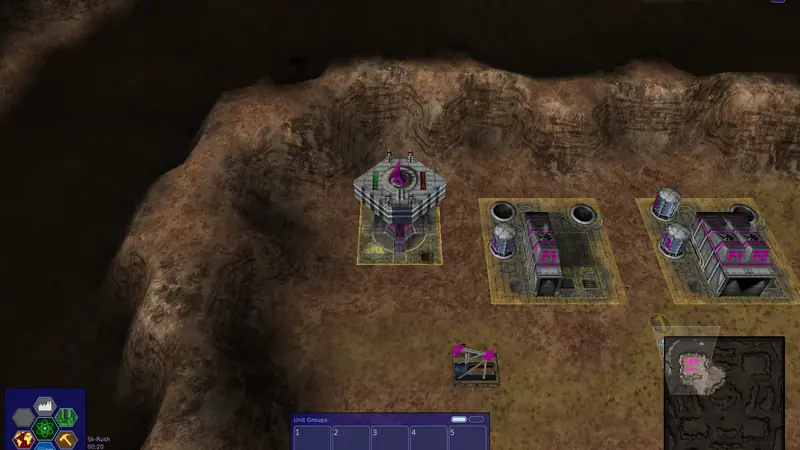
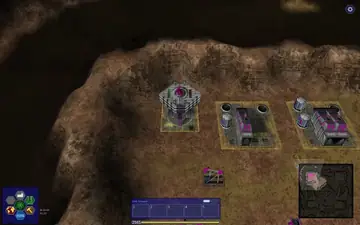
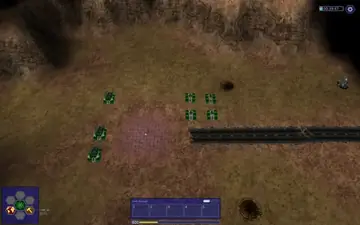
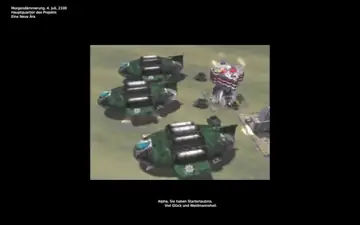
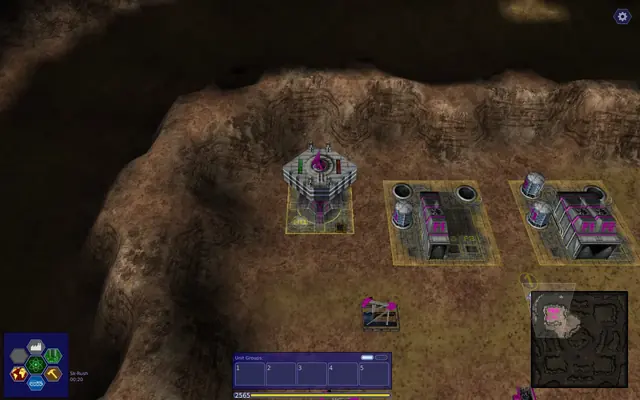
Rebuild the world after the collapse. Research, design your own tanks and fight through three campaigns.
Game in English or German
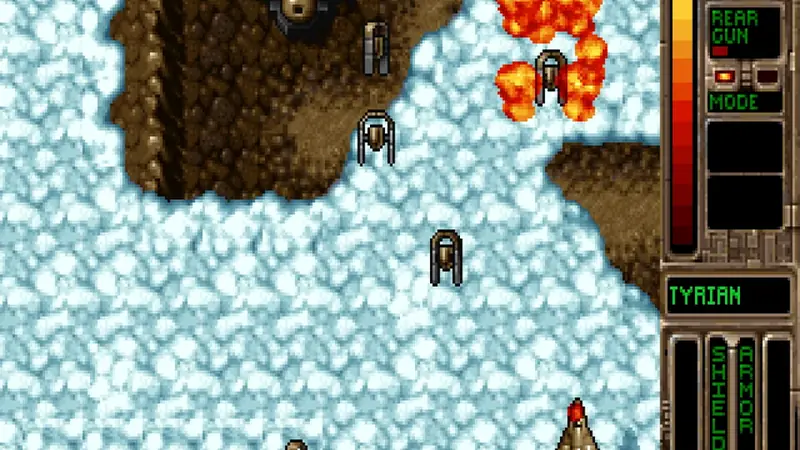
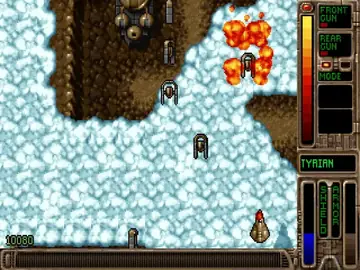
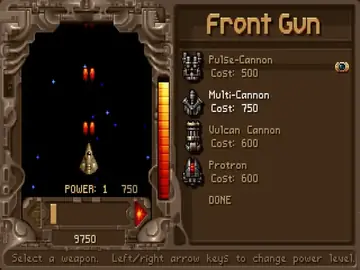
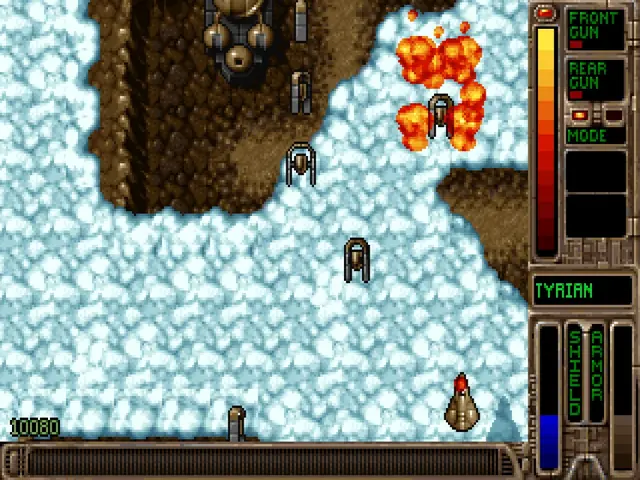
Fast, colourful space battles in four episodes, with a deep ship shop between the levels.
Game in English
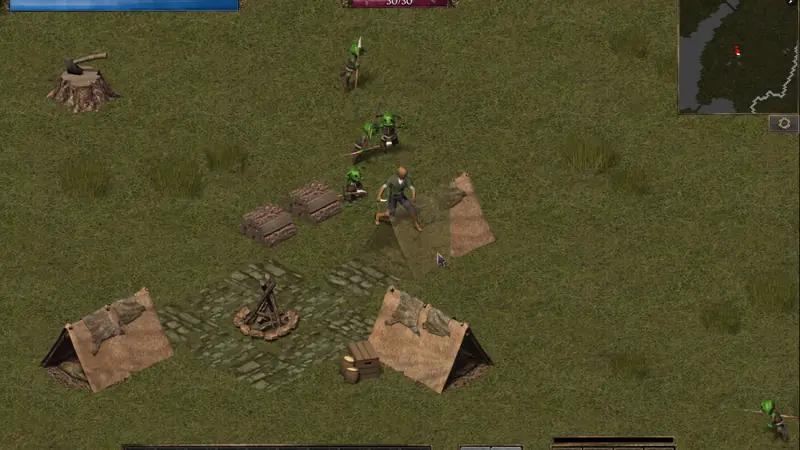
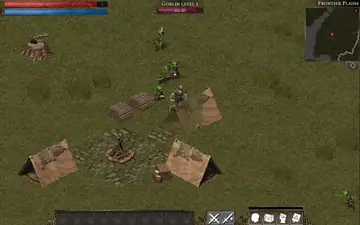
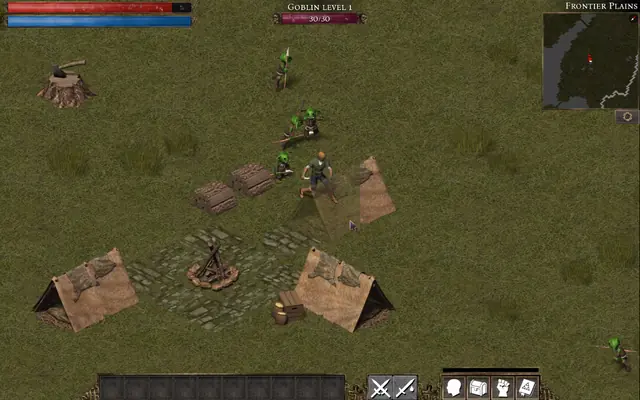
Explore a fantasy world, battle goblins and wyverns, collect loot and level up your hero.
Game in English or German
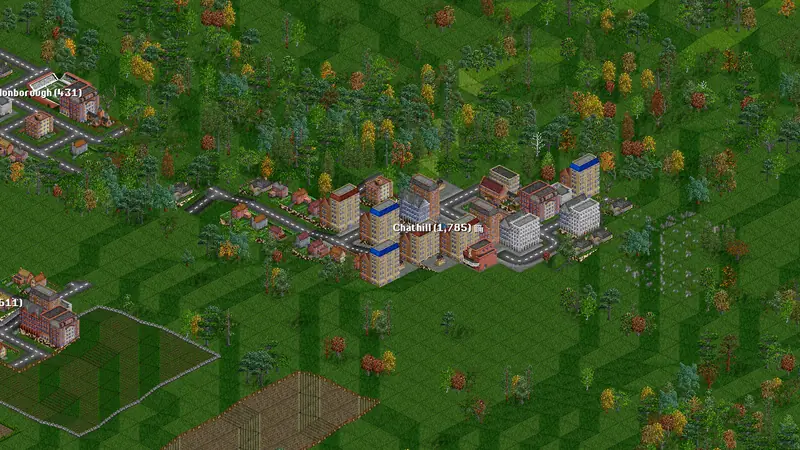
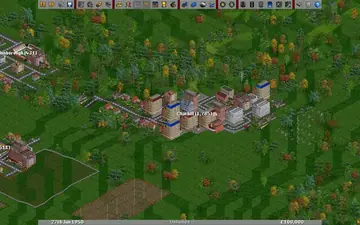
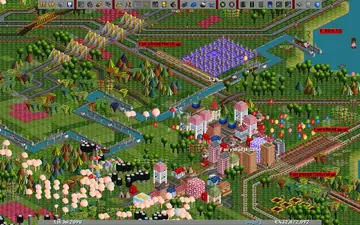
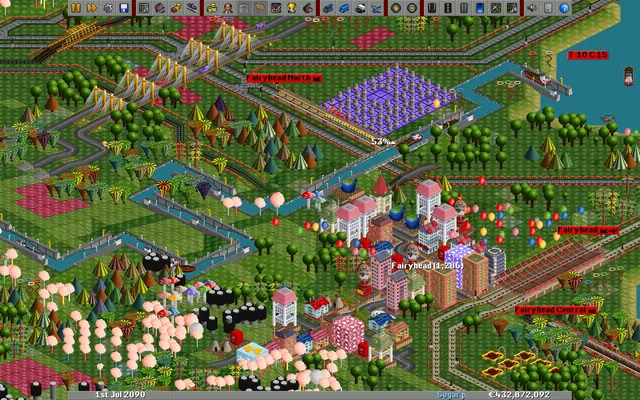
Found a transport company and connect towns and industries with trains, trucks, ships and planes.
Game in English or German
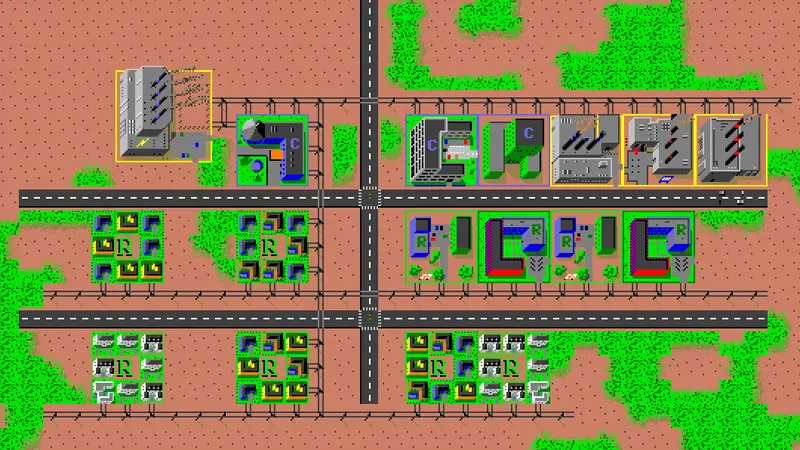
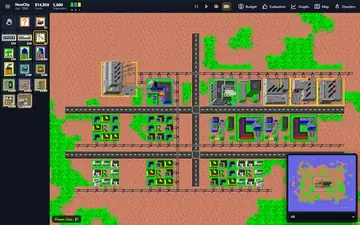
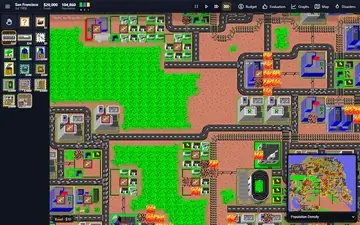
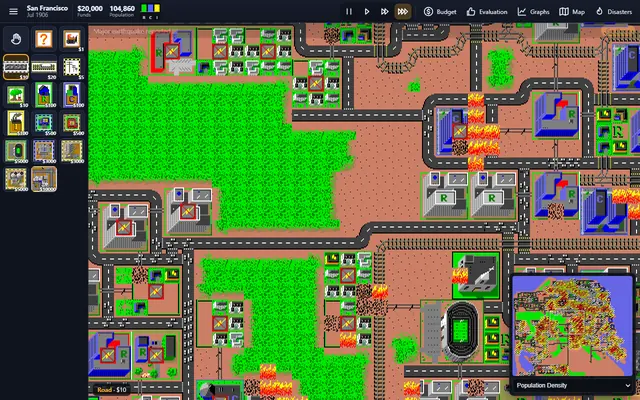
Play mayor of a growing city: zone land, build roads and power lines, set the budget and survive disasters.
Game in English or German
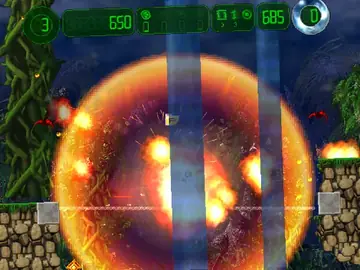
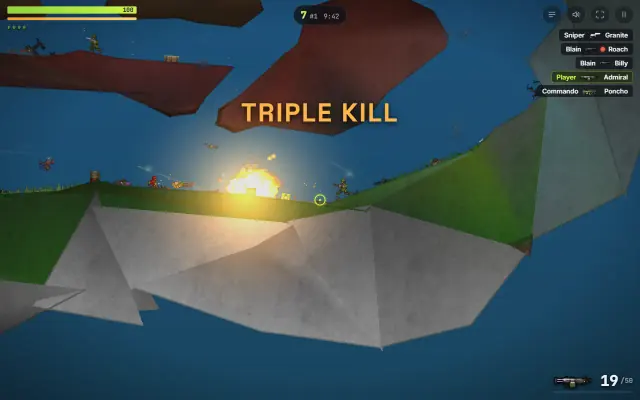
Fast jump and shoot action with huge levels, upgradeable weapons and a phenomenal tracker soundtrack.
Game in English or German
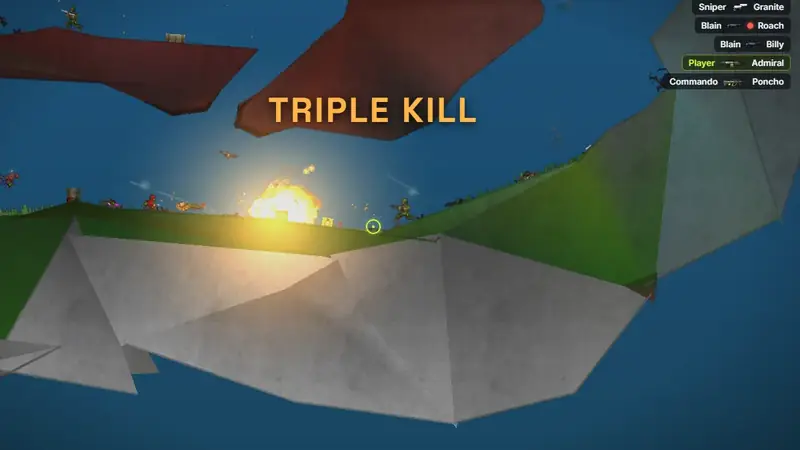
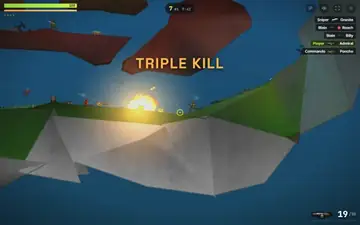
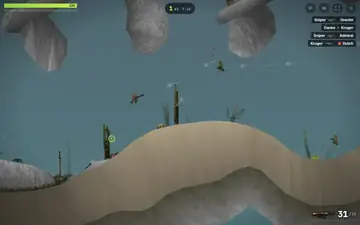
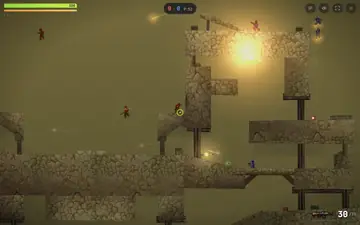
Jetpack firefights against bots: run, roll, fly and shoot across 15 classic maps with ten weapons and grenades.
Game in English or German
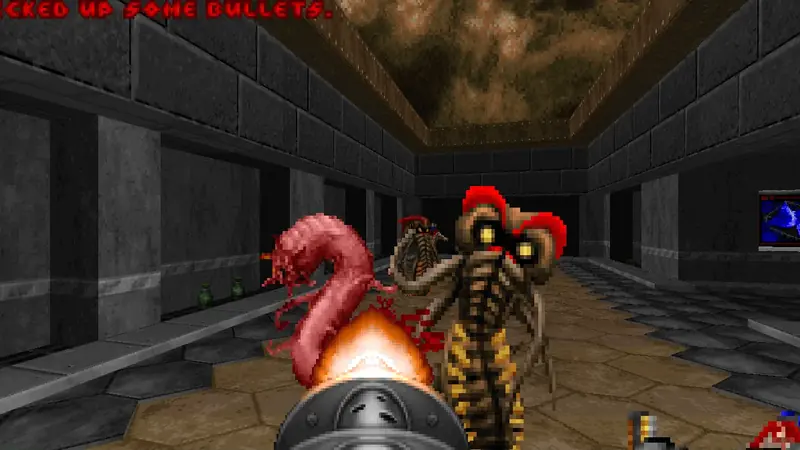
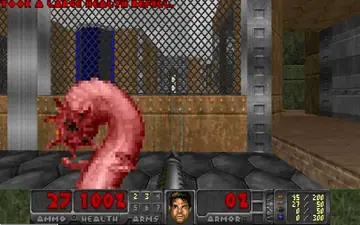
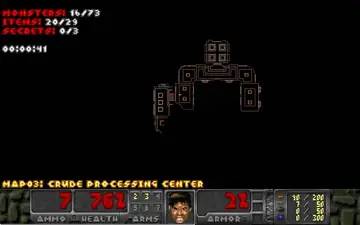
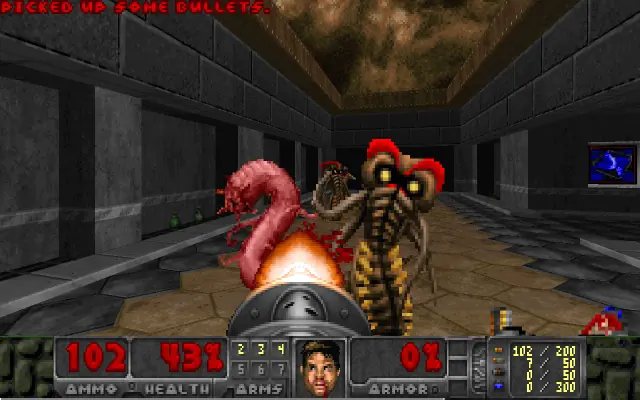
Fight your way through 68 levels full of monsters in the free first person shooter, with both campaigns Phase 1 and Phase 2.
Game in English
No game matches this filter.
02 // Faithful to the original
The rule for every game: improvements only touch the picture and the controls. Higher frame rates never speed up enemies, physics or the game world.
Logic and display are kept apart. Hurrican and Abuse were measured against the original speed, Tyrian on 30 to 144 Hz screens, Freedoom on 30 to 240 Hz.
Rendering at your screen's pixel density, original aspect ratios, crisp pixels and fullscreen. Abuse is interpolated from 15 to 60 frames per second.
Each game got controls built for it: virtual sticks, drag to fly, pinch to zoom. Abuse, Tyrian, Hurrican, Jetstorm and Freedoom also take a gamepad.
Savegames and settings are stored in your browser and never sent to us. Every game with savegames can export a backup file.
03 // Three steps
Press Play now. The game opens on its own page, there is nothing to install.
The first start loads between 2 MB and 59 MB. After that your browser keeps the files and starts quickly.
Your progress is saved in the browser. Export a backup to keep it or move it to another device.
04 // Retro games in the browser
These games were made for PCs of their time. Here they run in a browser tab, and a few things work differently than with a download or an emulator.
There is no installer. The first start loads the game data once, between 2 MB and 59 MB depending on the game, after that your browser starts it from its cache.
Old games count time in fixed steps, Freedoom 35 per second, Abuse 15. These steps stay as they were, only the picture is smoothed, so a 144 Hz screen never makes a game faster.
Esc first releases a captured mouse, and outside fullscreen shortcuts such as Ctrl+W stay with the browser. Every game page lists the controls for keyboard, touch and gamepad.
Every game here is open source or freeware whose license allows sharing it. There are no ROMs or copies of abandoned commercial games, and the source code of the ported versions is published next to each game.
FAQ
Yes. All nine games are open source or freeware and free to play here, with no account, no ads in the games and no in-game purchases.
No. The games run in a current browser, most of them compiled to WebAssembly. The first start downloads the game data once, after that it comes from your browser cache.
8 of the 9 games have full touch controls for phones and tablets. Warzone 2100 works best on a tablet or computer, on phones its interface is scaled down. So far the touch controls were tested with phone emulation in Chrome, tests on real iPhones and Android phones are still open.
Safari cannot switch web pages to fullscreen on the iPhone. Open the game in Safari, tap Share, then Add to Home Screen and Add. Started from the new icon, the game runs without the address bar. On Android the fullscreen button inside the game works directly. Step by step guide with pictures
Only in your browser (IndexedDB or local storage), they are never uploaded. Clearing the site data in your browser deletes them, so use the backup export of each game to keep a copy.
No. The browser versions are single player. Online features of the engines are not available here, the games make no requests to other servers.
Warzone 2100, OpenTTD, Hurrican, Flare, Micropolis and Jetstorm start in German on the German pages and in English otherwise. Tyrian, Abuse and Freedoom are in English only. None of the games is translated into Spanish yet, only the start screen of Freedoom is.
Licenses and source codeThe CC0 license of the Grab3D model library does not apply to the games. Each game keeps its own license.