CC0 · PNG · 1024 / 512 / 256
Free 3D icons
In short
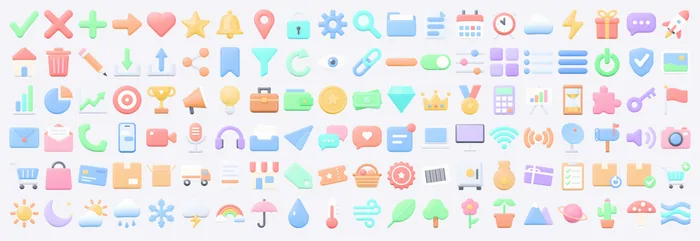
Grab3D offers 120 free 3D icons in 6 themed packs of 20, released under CC0. Every icon comes in three colour styles (pastel, vivid, clay) and two views (front and angled) as transparent PNG at 1024, 512 and 256 px, 2,160 files in total. Each pack is a direct ZIP download without an account, with a smaller lite ZIP for web use.
- Icons
- 120 · 6 packs
- Variants
- 3 styles × 2 views × 3 sizes
- PNG
- 2,160
- License
- CC0 1.0
013D icon packs
All packs share one look: rounded, slightly inflated shapes, soft studio light and the same margin inside every square, so icons from different packs line up in one row. The images contain no text, numbers, logos or brand symbols, which keeps them usable in any language and for any product.
-
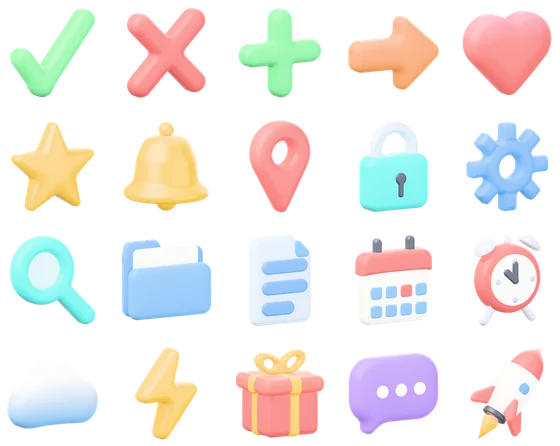
UI Basics 1
20 everyday interface symbols: checkmark, heart, bell, gear, search, calendar and a rocket
- 20 icons
- lite 15 MB
- full 70 MB
-
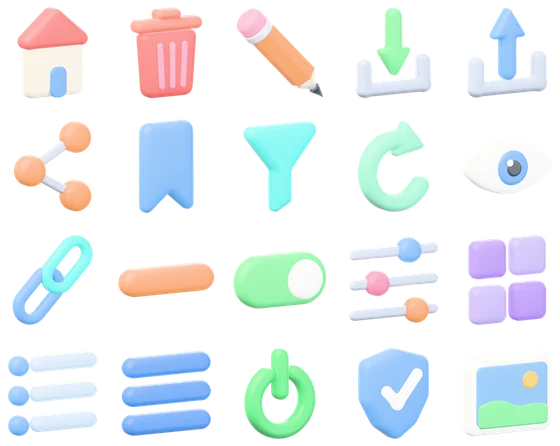
UI Basics 2
20 toolbar and navigation controls: home, trash, pencil, download, share, filter, menu
- 20 icons
- lite 14 MB
- full 65 MB
-
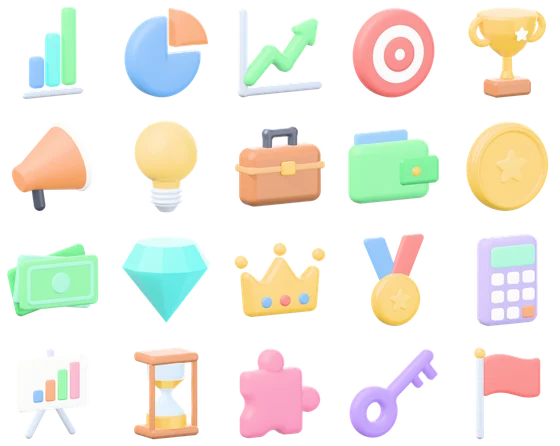
Business and Marketing
20 icons for finance, growth and success: charts, target, trophy, megaphone, coins
- 20 icons
- lite 15 MB
- full 71 MB
-
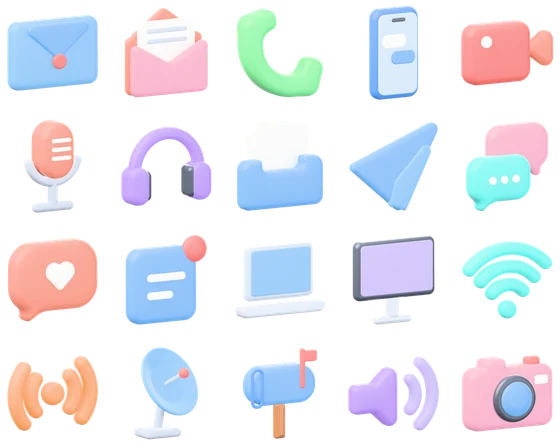
Communication
20 icons for mail, chat, calls and media: envelope, phone, headphones, wifi, camera
- 20 icons
- lite 15 MB
- full 70 MB
-
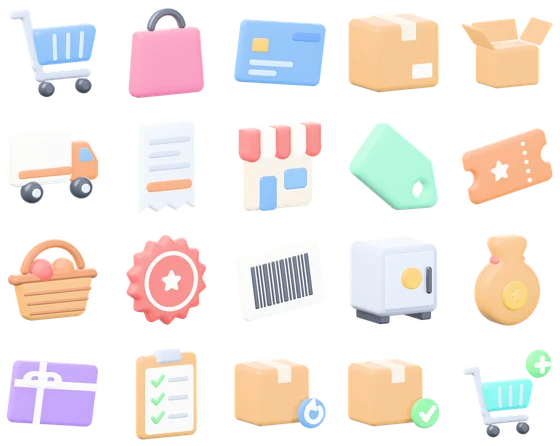
E-Commerce
20 shop icons from cart to delivery: bag, card, parcel, truck, receipt, price tag
- 20 icons
- lite 17 MB
- full 75 MB
-
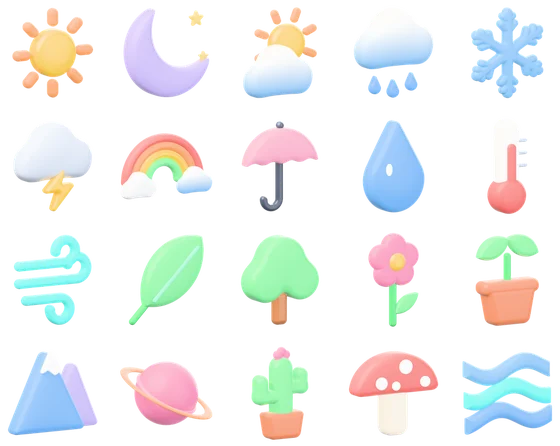
Weather and Nature
20 weather and nature icons: sun, moon, rain, snow, storm, rainbow, leaf, tree, mountain
- 20 icons
- lite 14 MB
- full 65 MB
02Styles, views and sizes
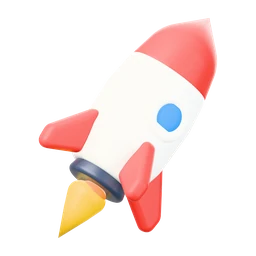
 Pastel
: soft, light colours for friendly, airy layouts.
 Vivid
Vivid: the same hues, stronger and more saturated, for contrast on dark or busy backgrounds.
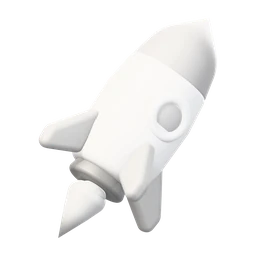 Clay
Clay: a soft white monochrome look with light grey details, calm in wireframes and minimal designs.
Front and angled view
Front: a straight view at 0 degrees, closest to a classic icon and best at small sizes.
Angle: turned 30 degrees and seen slightly from above, so the depth of the shape shows. Made for heroes and feature cards.
Which size, which download
Pick a file at least twice the size shown on screen: 256 px for icons up to 128 px, 512 px for feature cards and slides, 1024 px for large heroes and print. The full ZIP of a pack holds all three sizes (65 MB to 75 MB). The lite ZIP leaves out the 1024 px files and weighs 14 MB to 17 MB, enough for websites and apps.
Figma, Penpot, Sketch
In Figma, Penpot or Sketch, drag the PNG onto the canvas or use Place image. The transparent background works on light, dark and coloured frames. Keep one style and one view per screen for a calm result, and add a soft drop shadow in the design tool if the icon should float.
On websites
On a website, set width and height on the img tag and load icons below the fold with loading="lazy". A srcset with the 256 px file as 1x and the 512 px file as 2x keeps a 128 px icon sharp on high density screens. The PNGs have no baked shadow: add one with CSS filter drop-shadow so it matches the light of the page, and convert to WebP or AVIF if you like, the transparency stays.
<img src="png/256/rocket-pastel-angle.png"
     srcset="png/256/rocket-pastel-angle.png 1x,
             png/512/rocket-pastel-angle.png 2x"
     width="128" height="128" alt="" loading="lazy">
Questions and answers
Are these 3D icons really free for commercial use?
Yes. All packs are released under CC0 1.0 (public domain). Use them in commercial apps, websites, templates and client work, edit them and share them. No account and no attribution are needed.
What is the difference between the full and the lite ZIP?
Both hold every icon in every style and view. The full ZIP adds the 1024 px files for print and very large heroes, the lite ZIP contains only 512 and 256 px and is about a fifth of the size.
Is there an SVG or a 3D model of the icons?
No, the packs contain transparent PNG images only. For crisp results at any size, pick the PNG size that matches your layout or use the largest one.
How are the files named?
Files follow the pattern icon-style-view.png inside a folder per size, for example png/512/rocket-vivid-angle.png. That makes it easy to swap the whole set to another style by changing one word.
Can I change the colours of an icon?
Pick one of the three styles first. The clay style is a neutral white base that takes a colour overlay or a hue shift well in any image editor or with CSS filters, and CC0 allows every edit.
More free 2D assets and textures
Texture categories Wood texturesFabric texturesStone texturesBrick and roof texturesGround texturesConcrete and tile texturesMetal textures