Concrete and tile textures
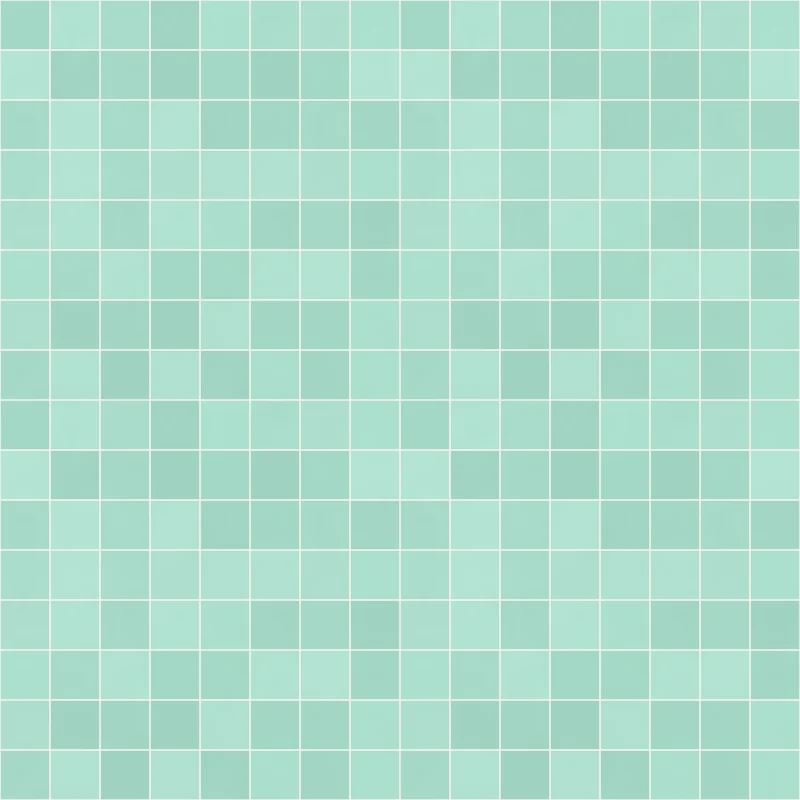
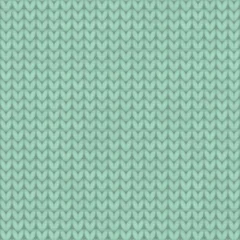
Mint bathroom tile texture, seamless
In short
Cozy Bathroom Tiles packs 8 × 8 glazed squares of 15 cm into each 1.2 × 1.2 m repeat, set in light 3 mm grout. The tiles bulge slightly and shine, and both 2K and 1K archives are free under CC0.
- Tile size
- 1 tile = 1.2 × 1.2 m
- Maps
- Base color, normal (GL and DX), roughness, AO, height
- Resolutions
- 2K (2048 px), 1K (1024 px)
- Format
- PNG, metallic 0
- License
- CC0 1.0
CC0 1.0 · six maps, README and license in every ZIP
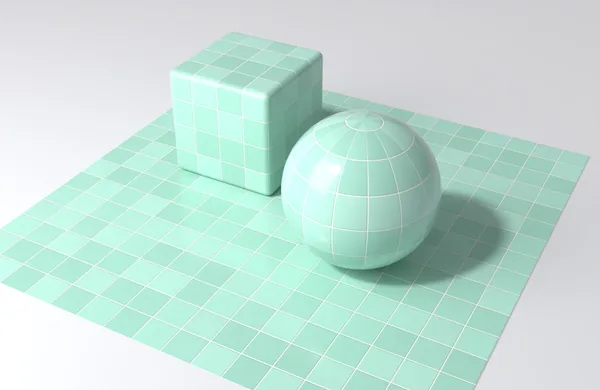
01Six PBR maps
-
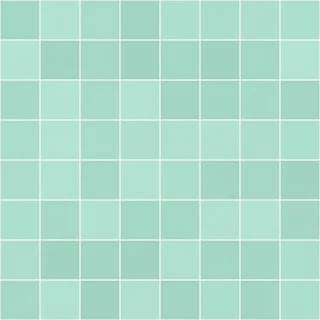
Base colorcozy-bathroom-tiles_<res>_basecolor.pngsRGB · 8 bit RGB -
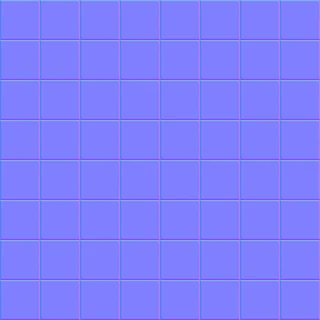
Normal OpenGL (Y+)cozy-bathroom-tiles_<res>_normal_gl.pnglinear · 8 bit RGB -
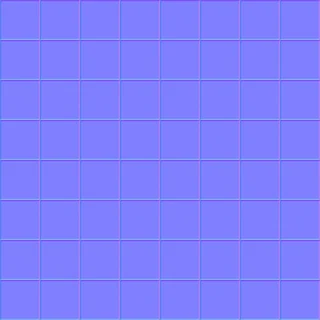
Normal DirectX (Y−)cozy-bathroom-tiles_<res>_normal_dx.pnggreen channel inverted -
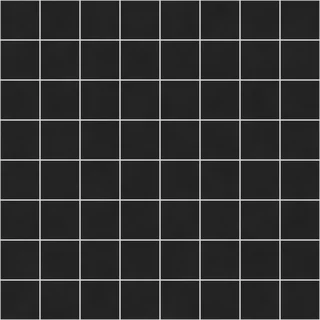
Roughnesscozy-bathroom-tiles_<res>_roughness.pnglinear · 8 bit grey -
Ambient occlusioncozy-bathroom-tiles_<res>_ao.pnglinear · 8 bit grey -
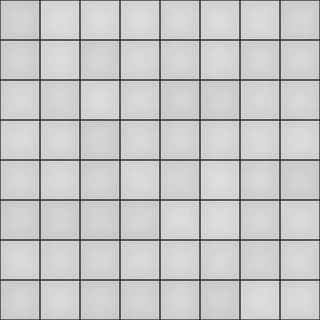
Heightcozy-bathroom-tiles_<res>_height.pnglinear · 16 bit · 0 … 1 = 3 mm
| Resolution | Maps | Unpacked | ZIP |
|---|---|---|---|
| 2K · 2048 × 2048 px | 6 PNG | 2.1 MB | 2.3 MB |
| 1K · 1024 × 1024 px | 6 PNG | 890 KB | 1.0 MB |
02Seamless tiling and scale
- One tile
- 1.2 × 1.2 m
- Scale 1
- glazed tiles 15 x 15 cm (8 x 8 per tile)
- Scale 2
- grout 3 mm
- Height range
- 0 … 1 = 3 mm
- UV repeat
- size in m ÷ 1.2 (4 m: 3.33×)
- Displacement
- 0.003 m, midlevel 0
Step by step for Blender, Godot, Unity, Unreal and three.js: texture setup guide.
04About this texture
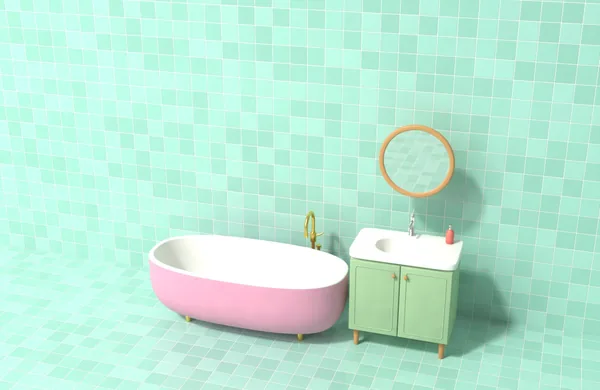
Mint glaze in three near identical tones gives the wall the gentle unevenness of real ceramic without looking patchy. Each tile bulges a little towards its centre, so reflections bend slightly from tile to tile, and the low roughness of the glaze contrasts with the matte grout. The example scene uses the texture on floor and wall at once, around a bathtub and a sink. Bathrooms, swimming pools, retro kitchens, laundromats and hospital corridors in cozy games are the obvious places.
Good for
- Bathroom floors and walls
- Swimming pools and spa areas
- Retro kitchens and laundromats
Questions and answers
How do I keep the grout lines aligned with a wall corner?
Start the UVs at the corner and scale them so one repeat equals 1.2 × 1.2 m. Because 8 tiles of 15 cm fill the repeat exactly, every grout line then lands on the same spot on both walls.
Are the tiles glossy in the engine?
Yes, through the roughness map: glaze is low, grout is high. In Unity, invert the roughness map into smoothness first, otherwise the glaze will look matte.
Concrete and tile textures
Whole category
Textures from other categories

More free 2D assets and textures


3D icon packs UI Basics 1UI Basics 2Business and MarketingCommunicationE-CommerceWeather and Nature