Transport simulation · v15.3
Play OpenTTD online, free in your browser
In short
Yes, OpenTTD 15.3 runs free in the browser here, compiled from the official sources. It comes with the free OpenGFX graphics, OpenSFX sounds and OpenMSX music. Nothing to install, your games are saved in the browser.
- What
- Transport simulation
- Price
- Free, no account, no ads in the game
- Runs in
- Your browser, nothing to install
- Controls
- Keyboard and mouse, Touch
- Phone
- Yes, with touch controls
- Keyboard and mouse
- Touch
- Game in English or German
- Saves: In your browser
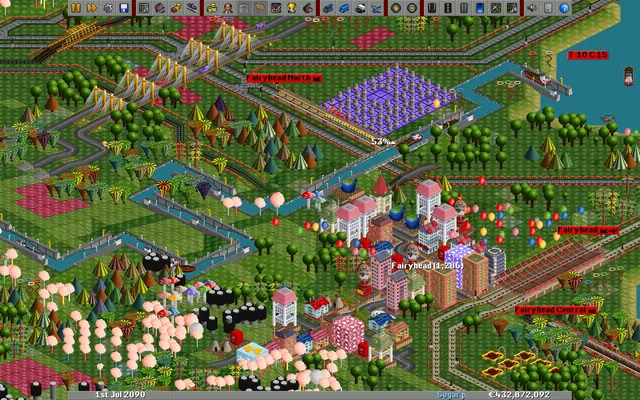
01Screenshots
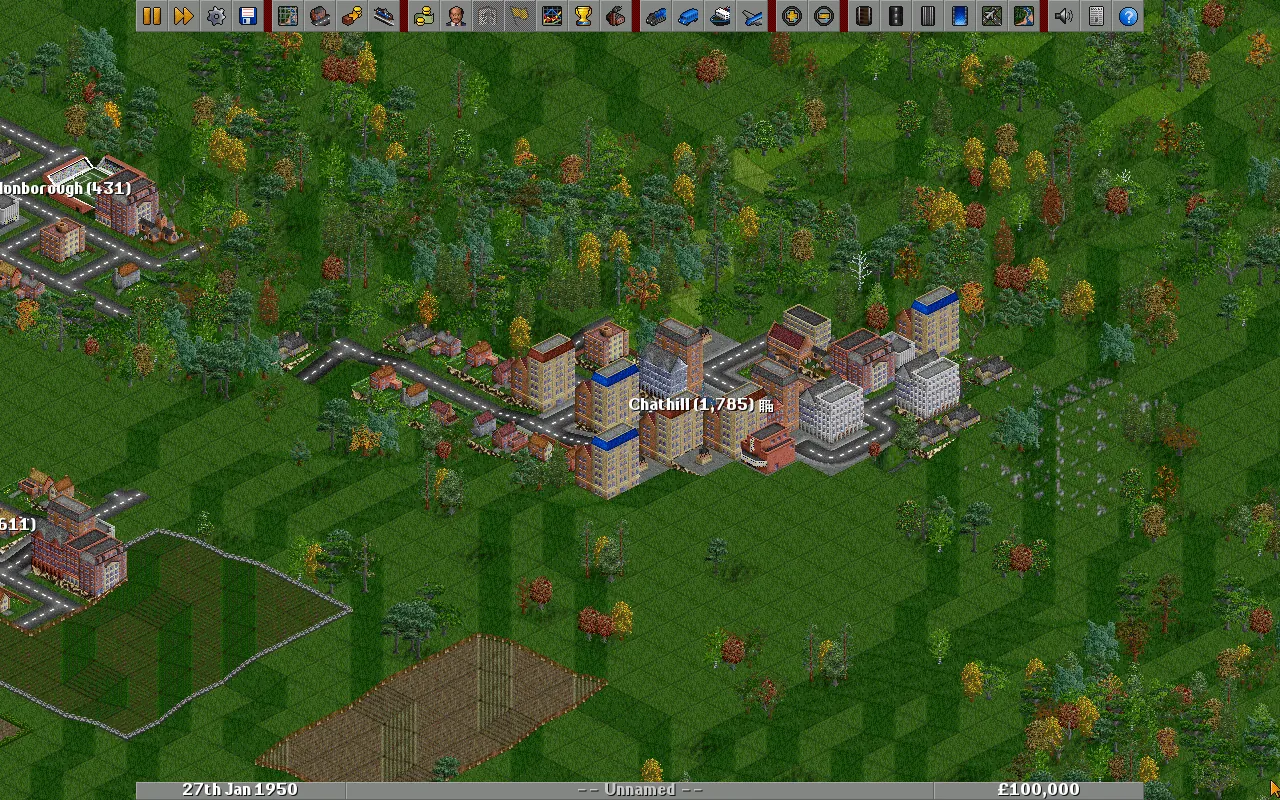
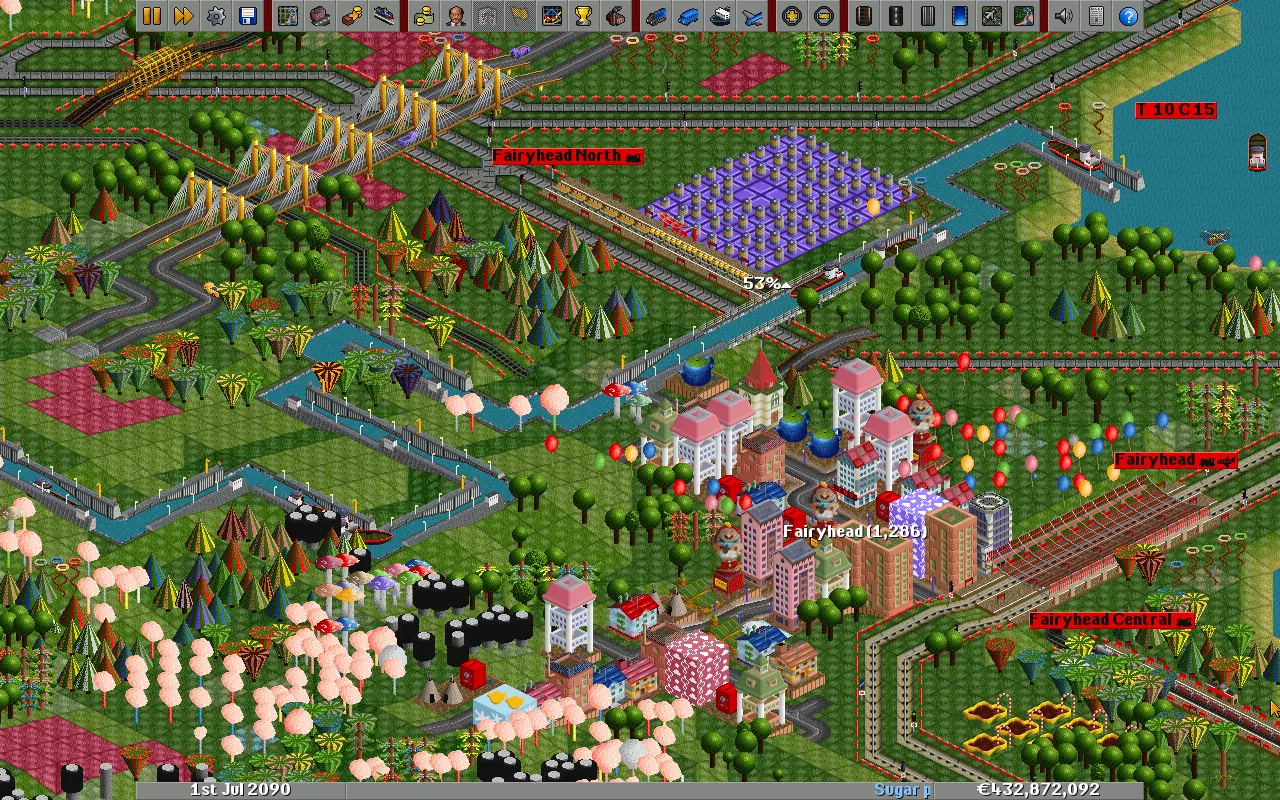
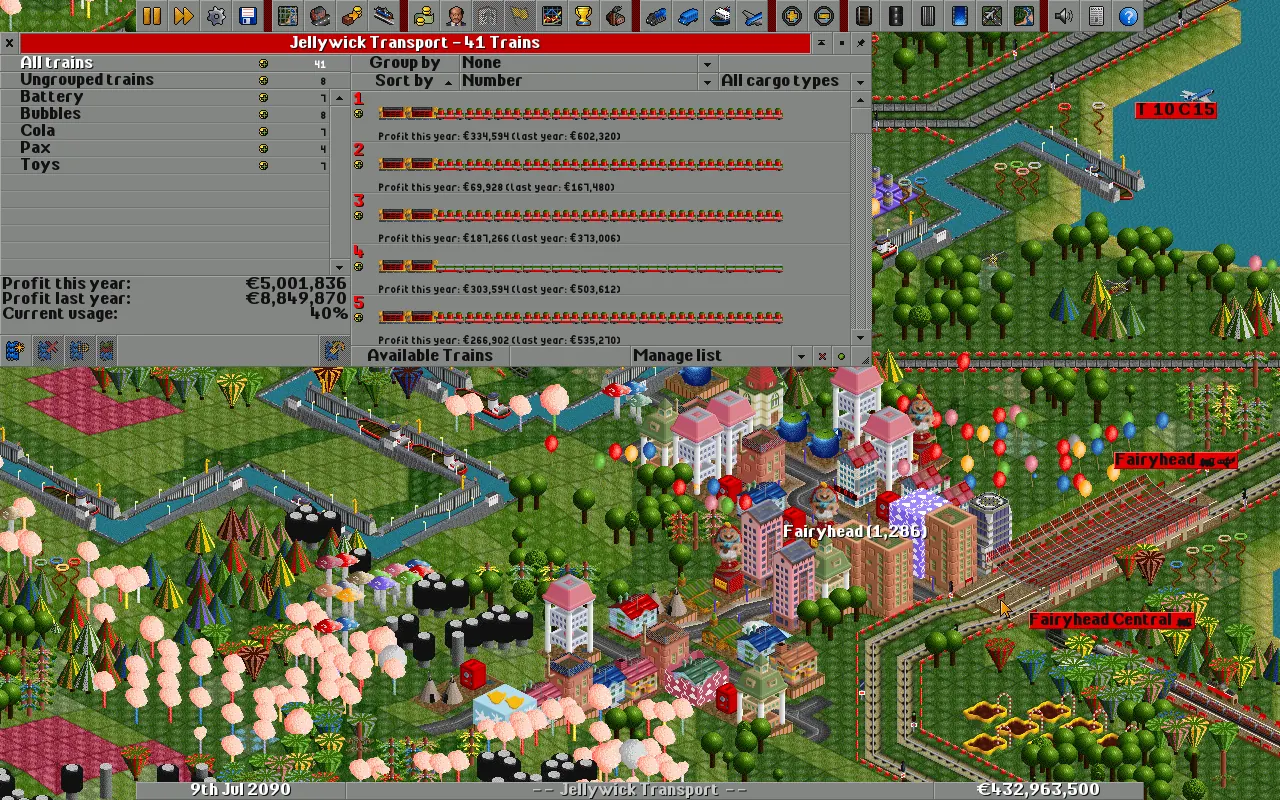
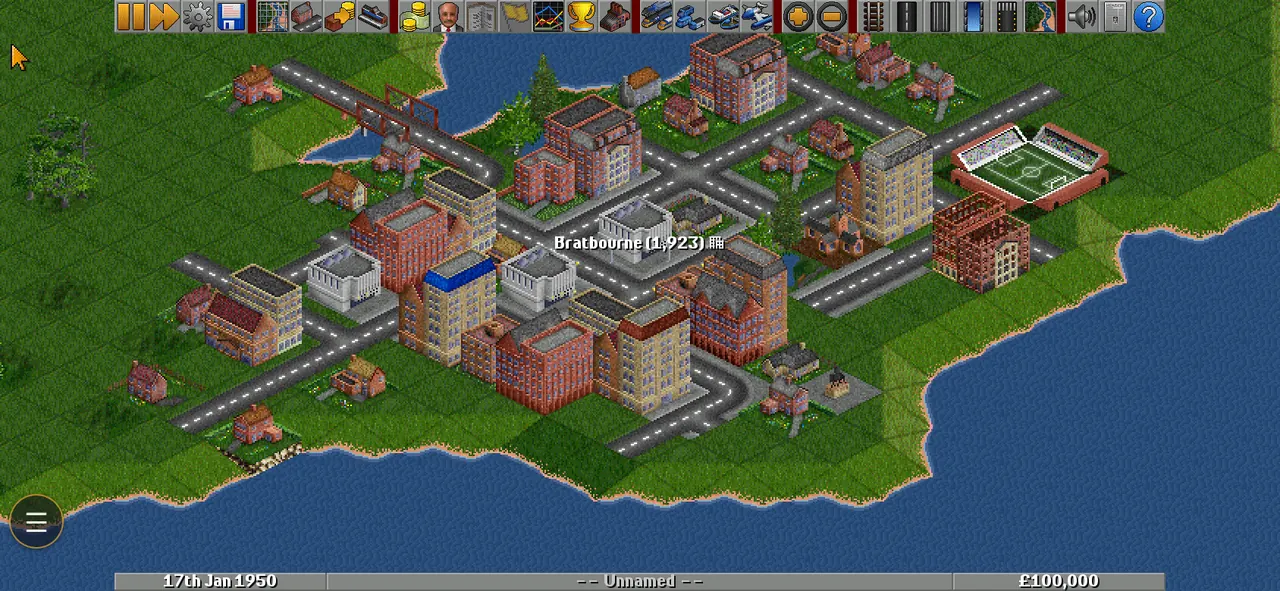
Screenshots from the browser versions
02About OpenTTD
OpenTTD is the celebrated open source game based on Transport Tycoon Deluxe by Chris Sawyer (1995). You found a transport company, connect towns and industries with trains, trucks, buses, ships and planes, outsmart your competitors and build the network you always wanted.
It is widely seen as one of the best simulation games ever made, and it is completely free. This version is OpenTTD 15.3 with the temperate, sub-arctic, sub-tropical and toyland climates of the free base sets.
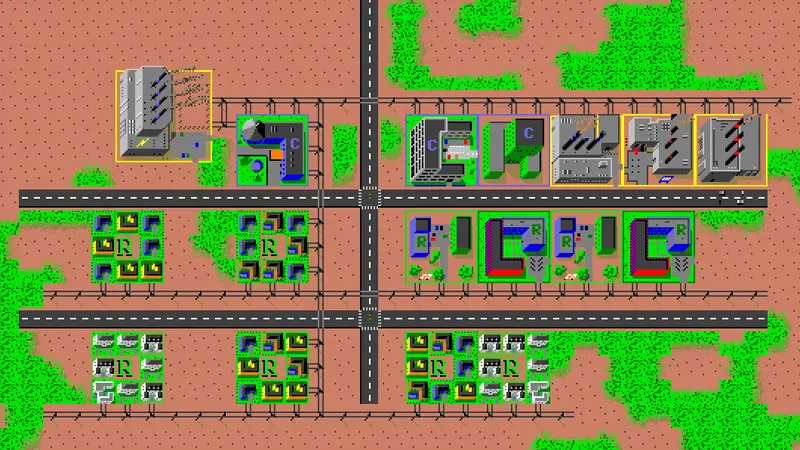
Similar on Grab3D: Micropolis (City building simulation).
- Genre
- Transport simulation
- Version
- 15.3
- Original developer
- OpenTTD team
- Language
- English, German
- Download
- 27 MB (first start)
- Controls
- Keyboard and mouse, Touch
- License
- GNU GPL v2
03Tips for your first game of OpenTTD
- Start with a small map. 256 × 256 is generated in about a second, 1024 × 1024 takes around 20 seconds. On phones 256 × 256 or 512 × 512 is recommended.
- Hold Shift while you build to see the cost estimate first. Hold Tab to fast forward.
- Right click, or a long press on touch screens, shows the tooltip of every button.
- Interface too small? Change the interface size in the game options under Graphics.
04What was remastered for the browser
Improvements only touch the picture and the controls. Game logic and speed stay as in the original.
- Compiled from the official OpenTTD 15.3 sources with a small web patch for music, touch, keyboard and saving when you close the tab. The simulation is unchanged.
- Free OpenGFX graphics, OpenSFX sounds and the OpenMSX soundtrack as recordings, because browsers cannot play MIDI.
- Rendered at your screen's full resolution, with an interface that scales up on phones.
- Complete touch control scheme with drag to scroll, pinch to zoom and long press for right click.
- Starts in German on the German page, in English otherwise.
05How to play OpenTTD
Keyboard and mouse
| Mouse | Build and interact |
|---|---|
| Right drag | Scroll the map |
| Mouse wheel | Zoom |
| Esc | Put the current tool away |
Touch screen
| Tap | Click |
|---|---|
| One finger drag | Scroll the map, or build when a construction tool is active |
| Two finger drag | Scroll even with a tool active |
| Pinch | Zoom |
| Long press | Right click, shows a button's tooltip |
| Two finger tap | Put the tool away (Esc) |
No gamepad support in this version.
Landscape is recommended. When a text field is active, a Type button opens your keyboard. The small menu button in the bottom left holds sound, music, fullscreen, savegame export and import and the controls overview. Large maps (1024 × 1024 and up) take a while to generate, on phones 256 × 256 or 512 × 512 is recommended.
Playing on an iPhone? Safari cannot switch web pages to fullscreen on the iPhone. Add the game to your Home Screen and it starts without the address bar. Play fullscreen on the iPhone, step by step
06Savegames
Games are saved in your browser and survive reloads and restarts. Autosave runs every 10 minutes, and when you leave the tab during a game it is also saved to autosave/exit. Clearing your browser's site data deletes the savegames, so use Back up savegames in the menu and Restore savegames to bring them back or onto another device.
Requirements and download
- About 27 MB on the first start, then cached by your browser. More music loads while you play.
- A current browser with WebAssembly
- Desktop, tablet or phone (landscape)
- Online multiplayer and the online content service are not available in this browser version
- Game in English or German
Questions about OpenTTD
Can I play OpenTTD for free in the browser?
Yes, OpenTTD 15.3 runs free in the browser here, compiled from the official sources. It comes with the free OpenGFX graphics, OpenSFX sounds and OpenMSX music. Nothing to install, your games are saved in the browser.
Does OpenTTD work on phones and tablets?
Yes, OpenTTD has touch controls for phones and tablets. They were tested with phone emulation in Chrome, real devices are not tested yet.
Where are my OpenTTD savegames stored?
Games are saved in your browser and survive reloads and restarts. Autosave runs every 10 minutes, and when you leave the tab during a game it is also saved to autosave/exit. Clearing your browser's site data deletes the savegames, so use Back up savegames in the menu and Restore savegames to bring them back or onto another device.
How big is the download?
About 27 MB on the first start, then cached by your browser. More music loads while you play.

License: GNU GPL v2 Source code of this web version Licenses and credits
The CC0 license of the Grab3D model library does not apply to the games. Each game keeps its own license.