3D real-time strategy · 1999 · v4.7.0
Play Warzone 2100 online, free in your browser
In short
Yes, Warzone 2100 runs free in the browser here, built from the official 4.7.0 sources. You get the full campaign, challenges and skirmish against the AI. A computer or tablet works best.
- What
- 3D real-time strategy, 1999
- Price
- Free, no account, no ads in the game
- Runs in
- Your browser, nothing to install
- Controls
- Keyboard and mouse, Touch (tablet)
- Phone
- Works, tablet or computer recommended
- Keyboard and mouse
- Touch (tablet)
- Game in English or German
- Saves: In your browser
01Screenshots
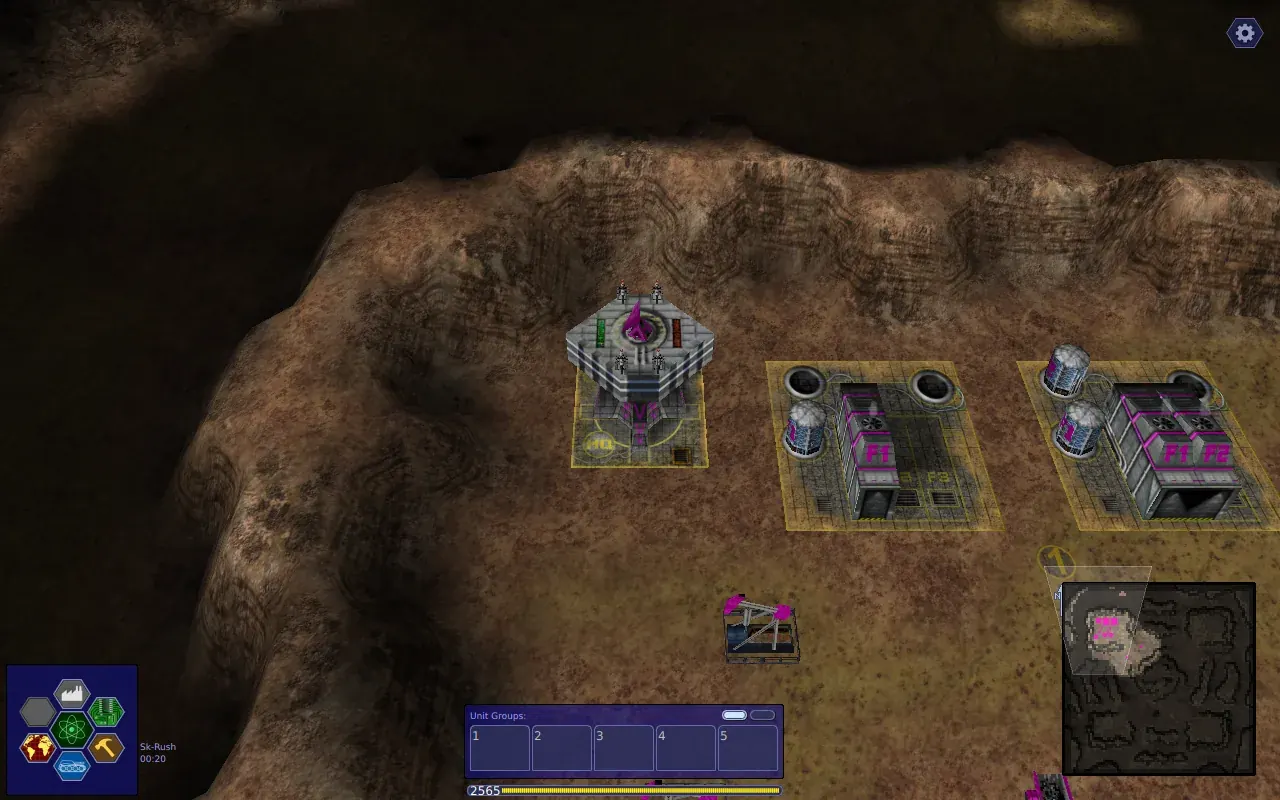
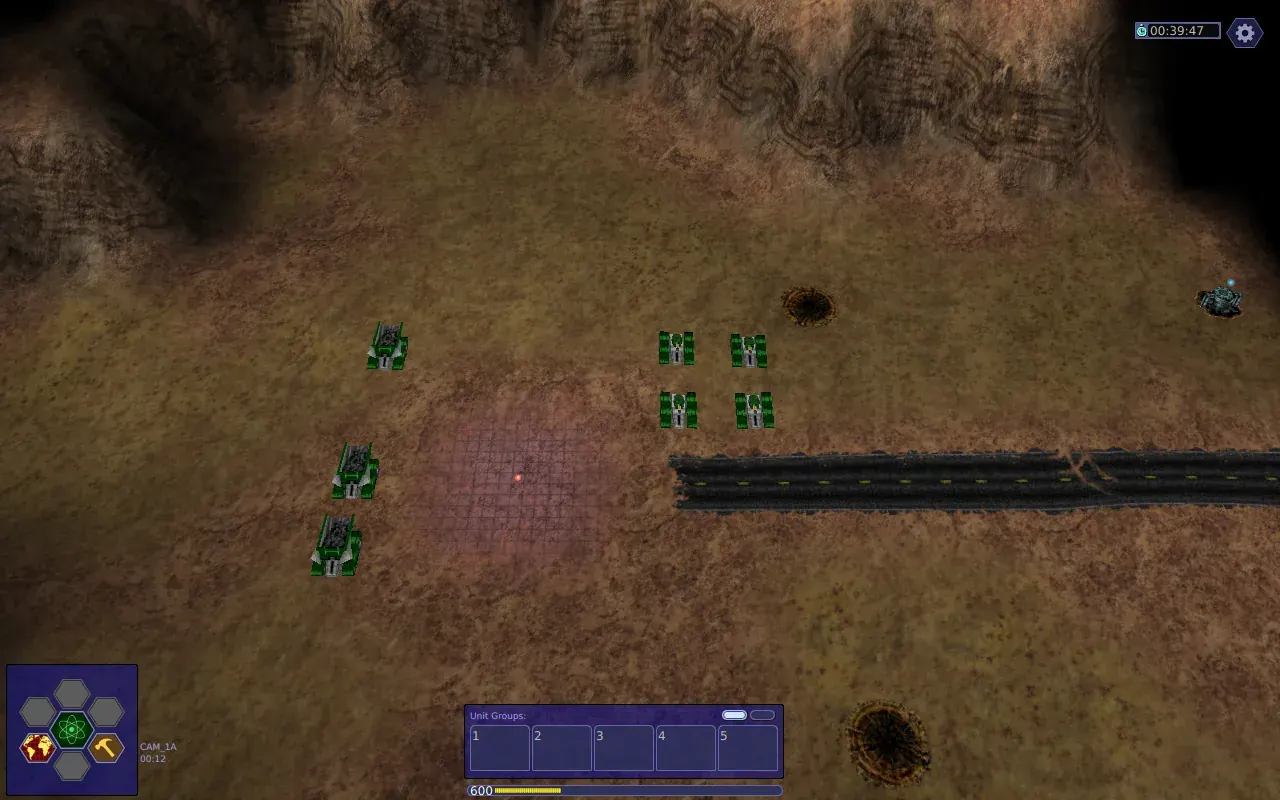
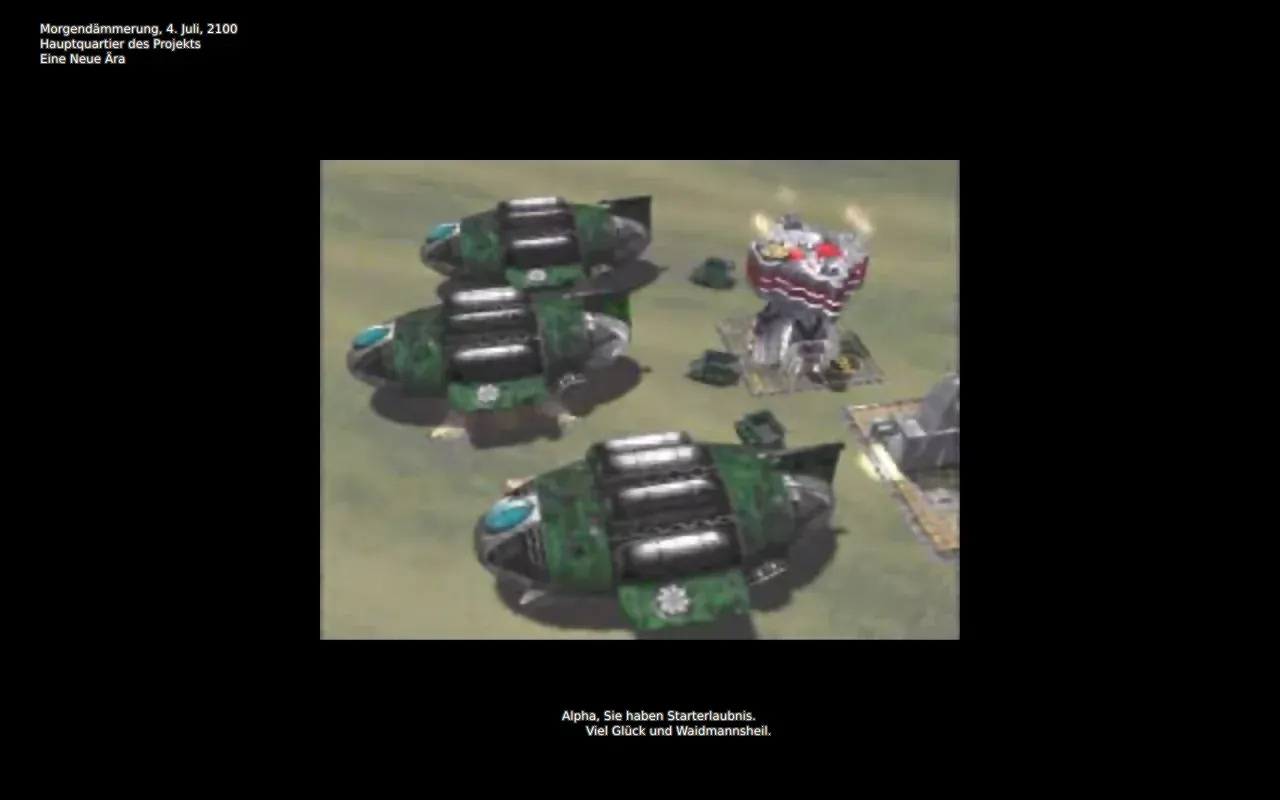
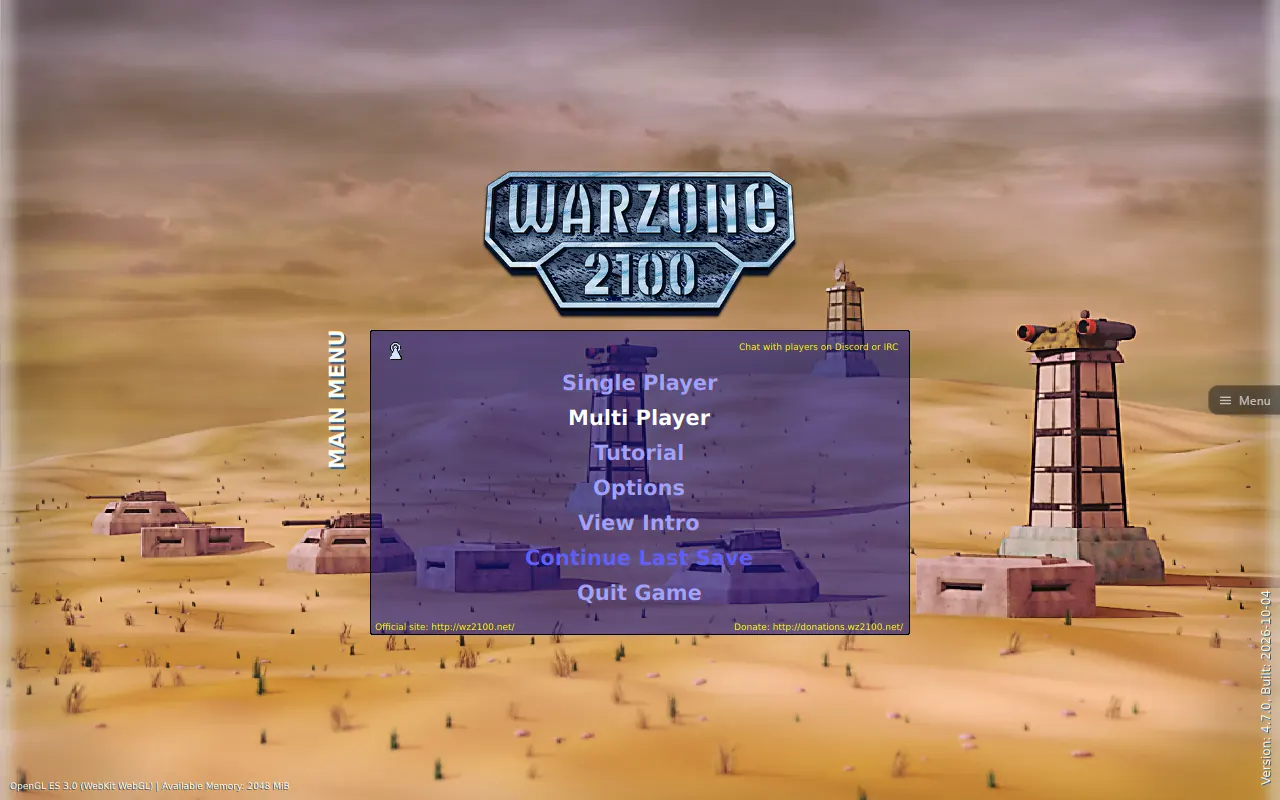
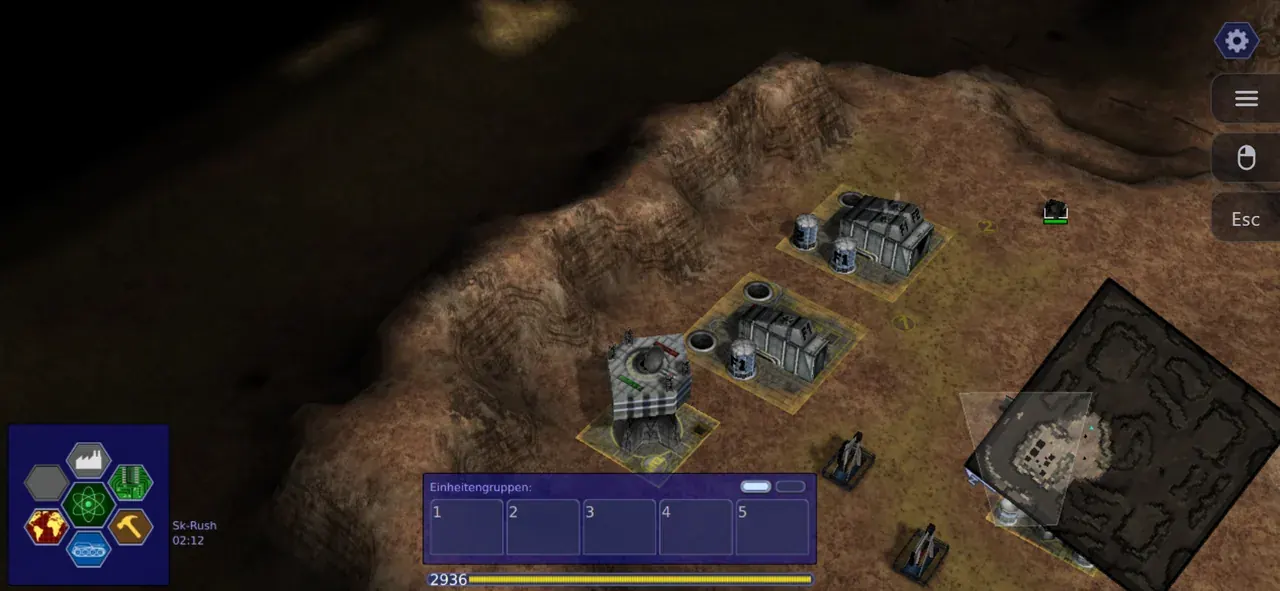
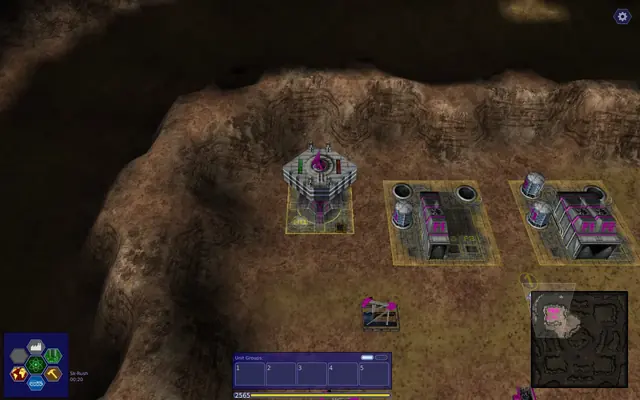
Screenshots from the browser versions
02About Warzone 2100
Warzone 2100 was released by Pumpkin Studios in 1999 and is a real-time strategy game in full 3D. After a nuclear catastrophe you lead The Project to rebuild civilisation. You gather oil, research more than 400 technologies, design your own tanks, cyborgs and aircraft from hundreds of parts and fight through three campaigns.
The game was released as open source in 2004 and the community has developed it ever since. This is the current version 4.7.0 with the complete original campaign, the tutorial, the campaign videos, challenges and skirmish battles on every skirmish map.
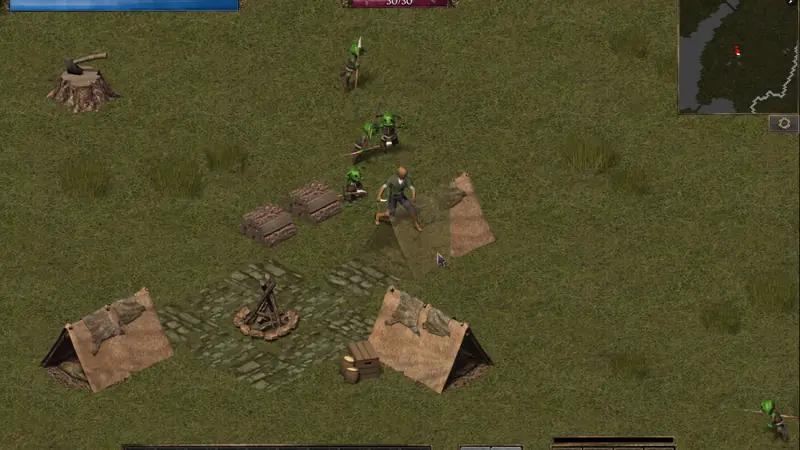
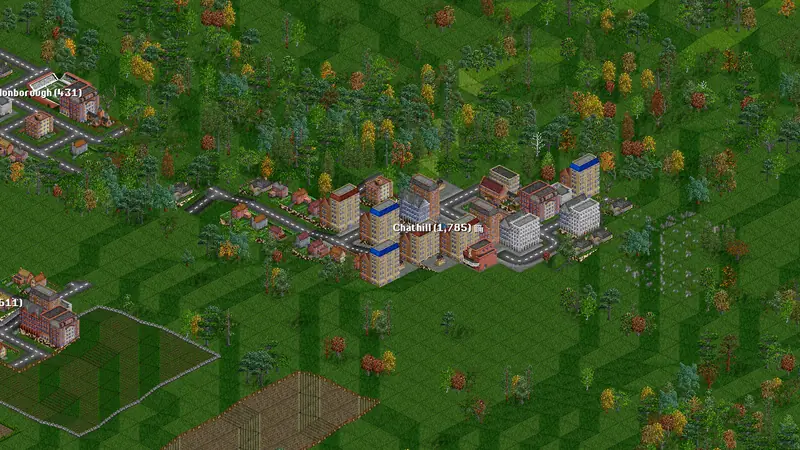
Similar on Grab3D: Flare (Fantasy action RPG) and OpenTTD (Transport simulation).
- Genre
- 3D real-time strategy
- First release
- 1999
- Version
- 4.7.0
- Original developer
- Pumpkin Studios, Warzone 2100 Project
- Language
- English, German
- Download
- 49 MB (first start)
- Controls
- Keyboard and mouse, Touch (tablet)
- License
- GNU GPL v2 or later
03Tips for your first game of Warzone 2100
- New to the game? Start with the tutorial. It explains the basics step by step with instruction texts.
- For a quick match against the AI choose Single Player, then Start Skirmish Game.
- Double tap or double click a unit to select all units of that type. Ctrl plus a number assigns a group, the number alone selects it again.
- Space turns on a tracking camera that follows the selected unit. Opening the game menu pauses the game.
- Keys can be changed in the game options under Key Mappings. If the picture stutters, lower the render resolution in the Menu or turn off shadows in the graphics options.
04What was remastered for the browser
Improvements only touch the picture and the controls. Game logic and speed stay as in the original.
- Built from the official 4.7.0 sources with the project's own WebAssembly and WebGL 2 port plus a small patch for this site.
- Game logic unchanged. It runs at the original speed, independent of your screen's refresh rate.
- Multithreaded like the desktop version, the page is cross-origin isolated only for this game.
- Touch controls for tablets: tap, drag, pinch to zoom and turn two fingers to rotate the camera.
- Campaign videos in low quality, streamed only when they play.
- Savegame backup as a download and restore on another device.
05How to play Warzone 2100
Keyboard and mouse
| Left click | Select units and give orders |
|---|---|
| Drag | Draw a box to select several units |
| Right click | Deselect or cancel |
| Right drag | Rotate the camera |
| Mouse wheel | Zoom |
| Arrow keys/Screen edges | Scroll the map |
| F1/F6 | Factories, research, building, design, intelligence, commanders |
| Esc | Game menu with save, load and options |
Touch screen
| Tap | Left click: select, order, press buttons |
|---|---|
| One finger drag | Move the camera |
| Pinch | Zoom |
| Two finger drag | Turn two fingers to rotate the camera |
| Long press | Right click. Hold and drag for a selection box |
| Two finger tap | Right click |
No gamepad support in this version.
Play in landscape. On phones the interface is scaled down to fit, because the game needs at least 640 × 480 points. A tablet or computer is recommended.
Playing on an iPhone? Safari cannot switch web pages to fullscreen on the iPhone. Add the game to your Home Screen and it starts without the address bar. Play fullscreen on the iPhone, step by step
06Savegames
Save and load with the game's own menu (Esc, then Save Game or Load Game). Autosaves work as in the original. Savegames and settings stay in your browser. Use Menu, then Back up savegames to keep a copy, and Restore savegames to bring it back or move it to another device.
Requirements and download
- About 49 MB on the first start. Campaign videos stream only when they play.
- A current browser with WebGL 2 (Chrome, Edge, Firefox, Safari 16.4 or newer)
- Computer or tablet recommended, phones work with a scaled interface
- Online multiplayer is not available in the browser, it needs the installable version from wz2100.net
- Game in English or German
Questions about Warzone 2100
Can I play Warzone 2100 for free in the browser?
Yes, Warzone 2100 runs free in the browser here, built from the official 4.7.0 sources. You get the full campaign, challenges and skirmish against the AI. A computer or tablet works best.
Does Warzone 2100 work on phones and tablets?
Warzone 2100 has touch controls and works best on a tablet or computer. On phones the interface is scaled down.
Where are my Warzone 2100 savegames stored?
Save and load with the game's own menu (Esc, then Save Game or Load Game). Autosaves work as in the original. Savegames and settings stay in your browser. Use Menu, then Back up savegames to keep a copy, and Restore savegames to bring it back or move it to another device.
How big is the download?
About 49 MB on the first start. Campaign videos stream only when they play.

License: GNU GPL v2 or later Source code of this web version Licenses and credits
The CC0 license of the Grab3D model library does not apply to the games. Each game keeps its own license.