Run and gun platformer · 1995
Play Abuse online, free in your browser
In short
Yes, Abuse runs free in the browser here, compiled from the public source code. The picture is smoothed to 60 fps while the game logic keeps its original 15 ticks per second. The game itself is in English.
- What
- Run and gun platformer, 1995
- Price
- Free, no account, no ads in the game
- Runs in
- Your browser, nothing to install
- Controls
- Keyboard and mouse, Touch, Gamepad
- Phone
- Yes, with touch controls
- Keyboard and mouse
- Touch
- Gamepad
- Game in English
- Saves: In your browser
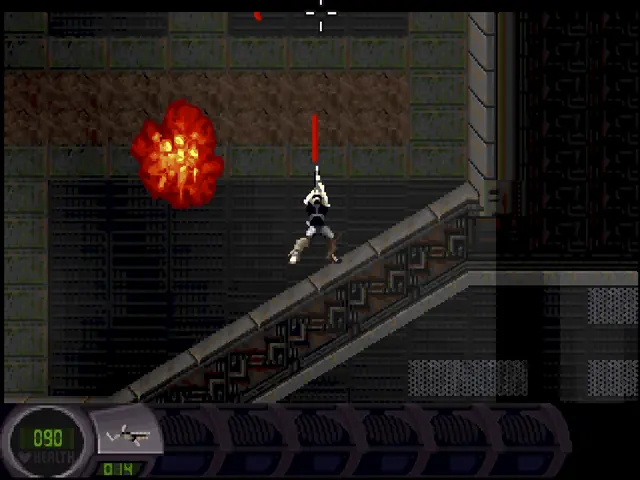
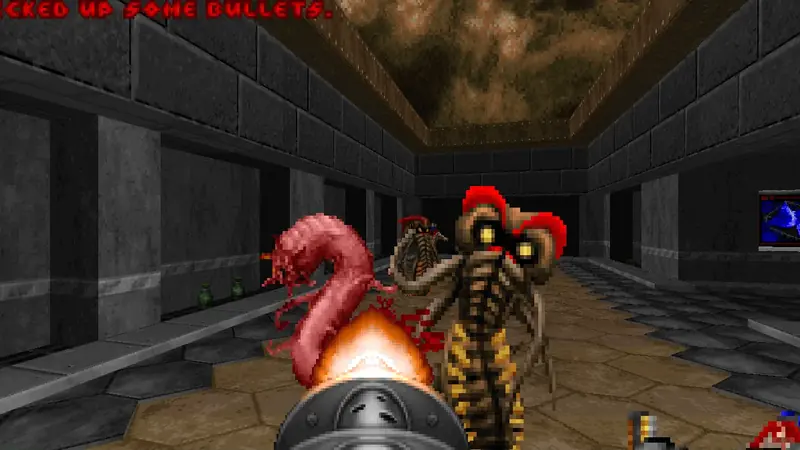
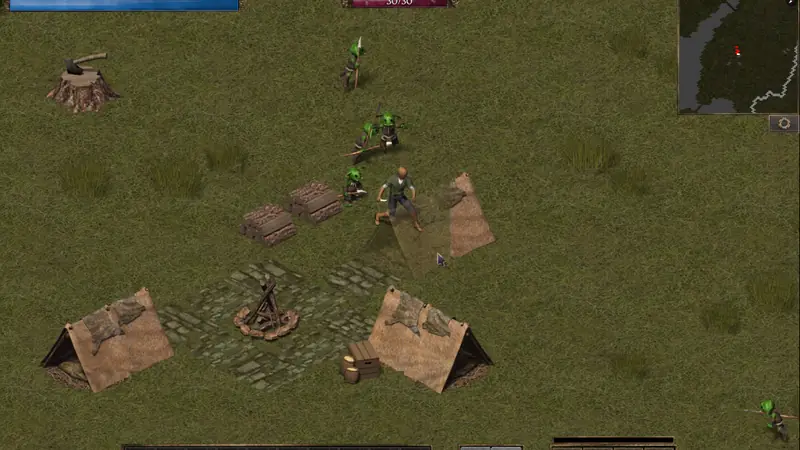
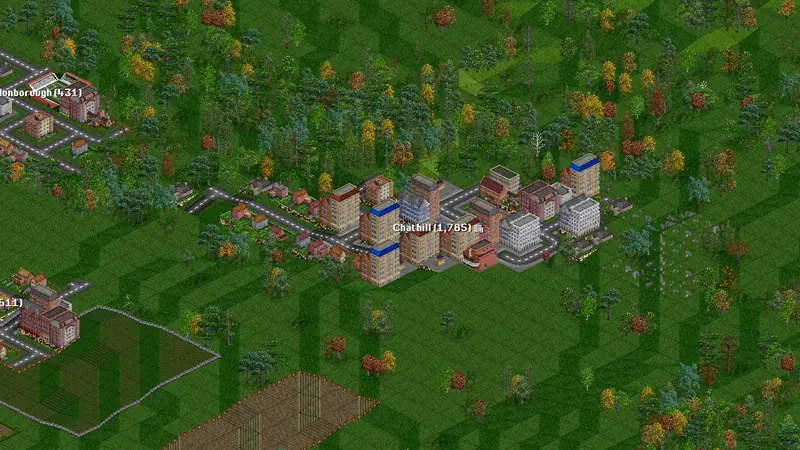
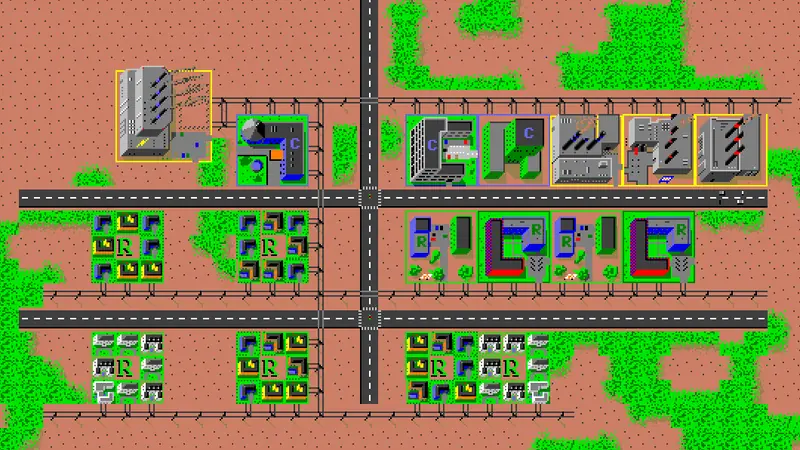
01Screenshots
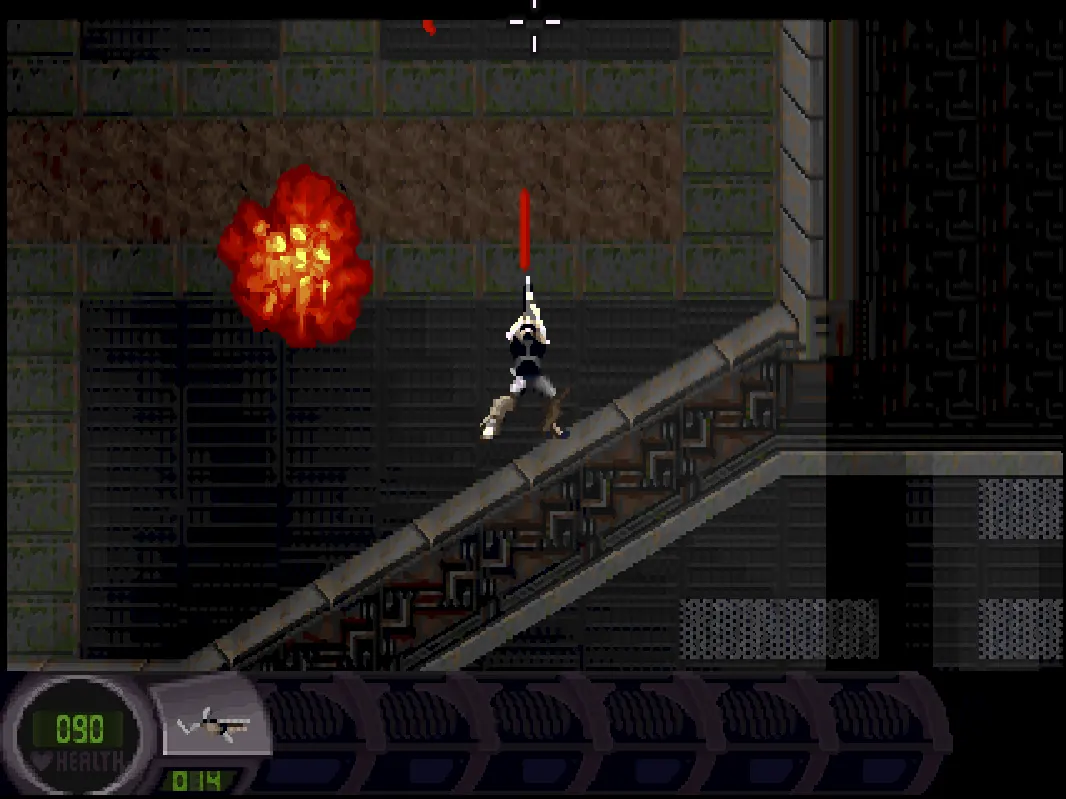
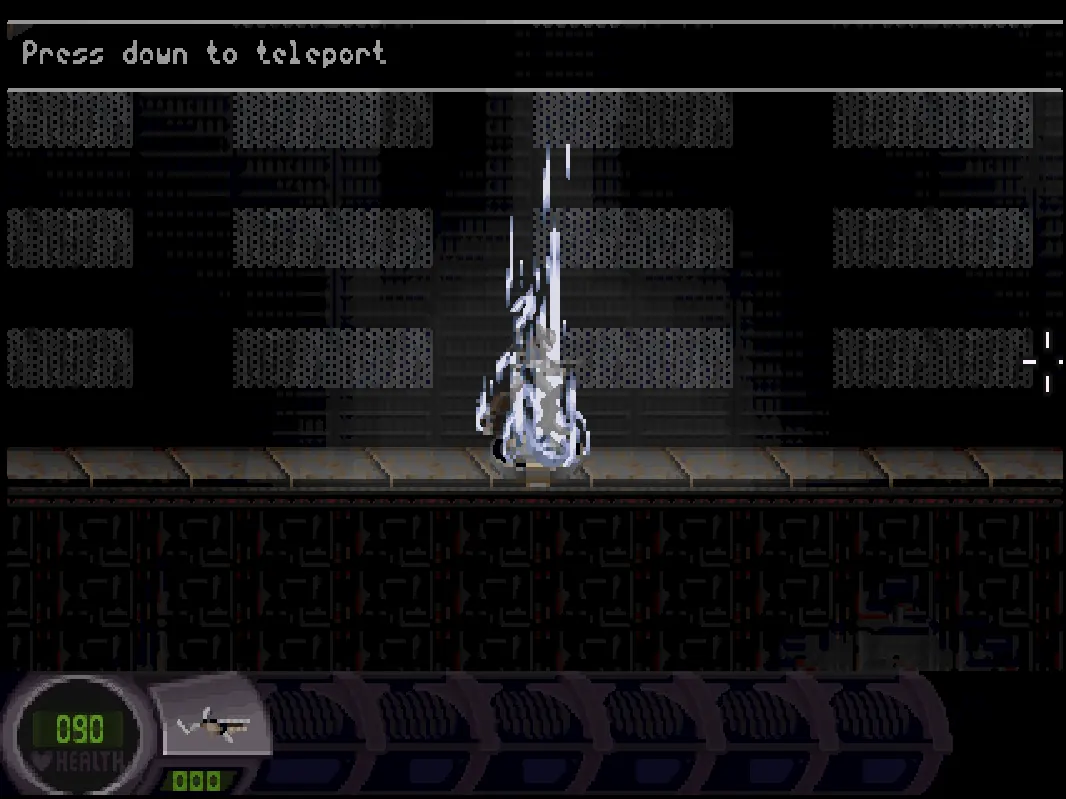
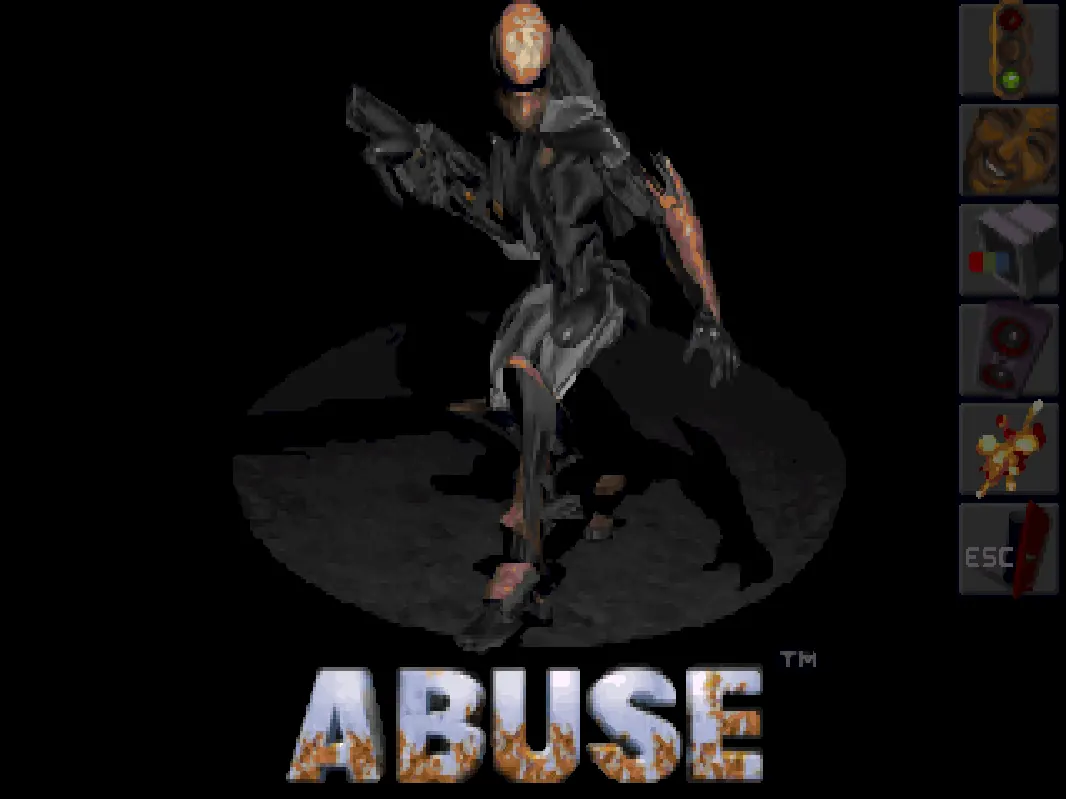
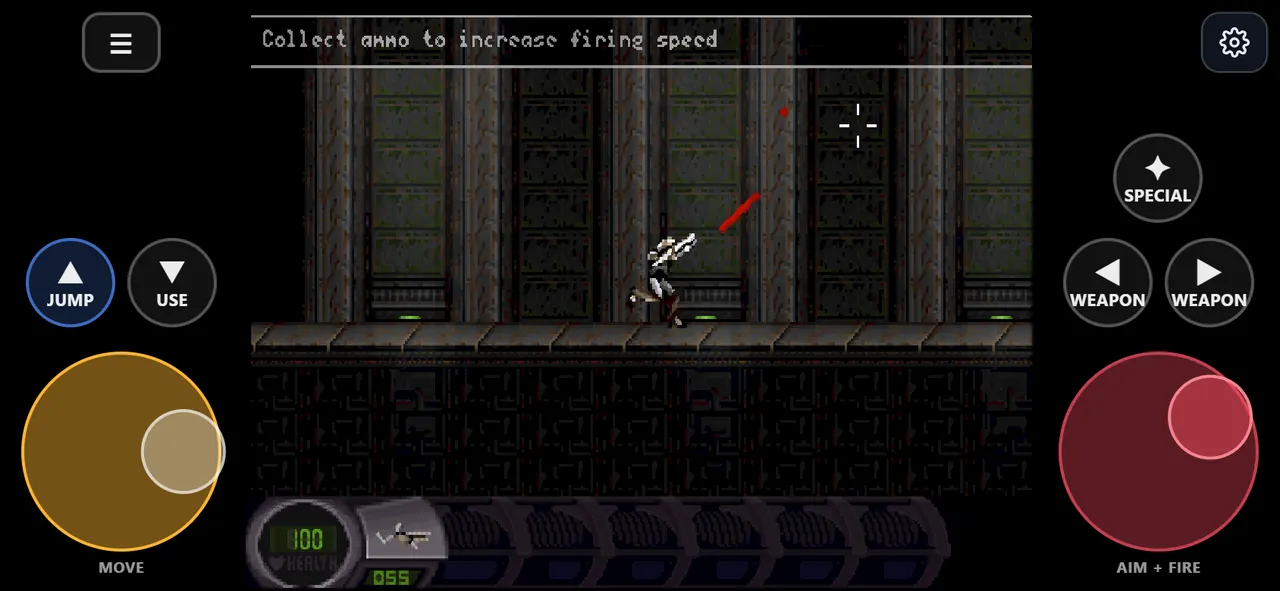
Screenshots from the browser versions
02About Abuse
Abuse is a dark, atmospheric run and gun platformer, first released by Crack dot Com in 1995. You play Nick Vrenna, wrongly imprisoned in a facility where an experiment has turned everyone into bloodthirsty mutants.
Its control scheme, moving with the keyboard while aiming freely with the mouse, made it a cult classic and an early ancestor of modern twin stick shooters.
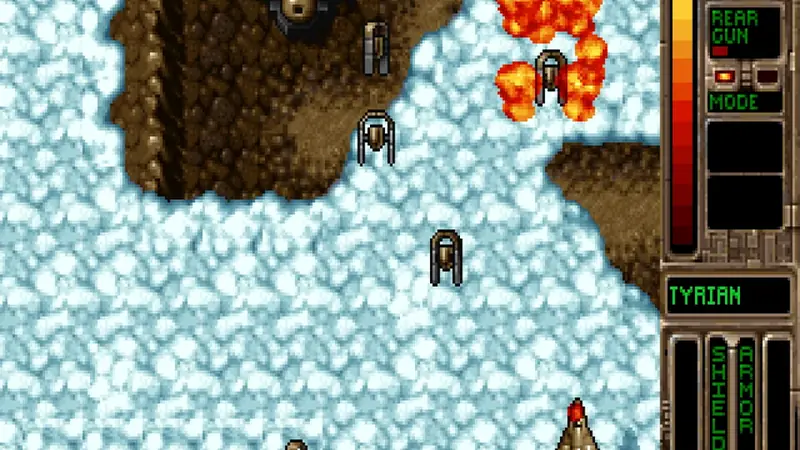
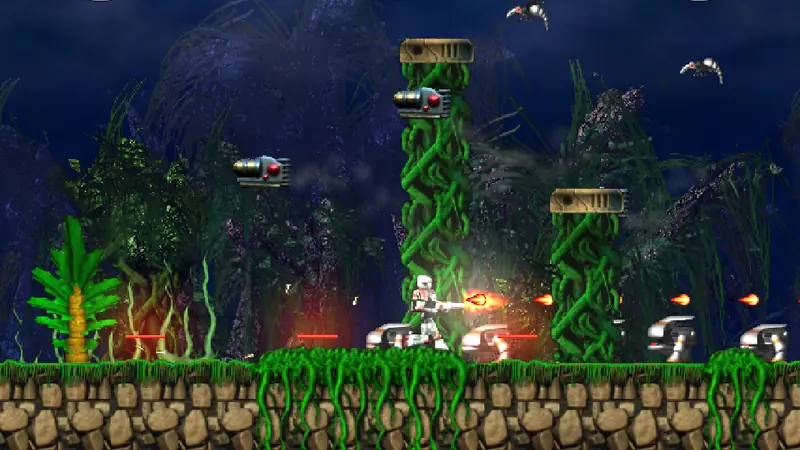
Similar on Grab3D: Tyrian (Vertical shoot 'em up) and Hurrican (Run and gun platformer).
- Genre
- Run and gun platformer
- First release
- 1995
- Original developer
- Crack dot Com
- Language
- English
- Download
- 17 MB (first start)
- Controls
- Keyboard and mouse, Touch, Gamepad
- License
- Original code public domain, SDL port layer GNU GPL v2 or later
03Tips for your first game of Abuse
- Your goal is to escape the prison. Switches open doors, so look for one whenever a way is blocked.
- Save at the save consoles inside the levels: stand in front of one and press S (down). Load your game from the main menu.
- Once you have collected a special power, use it with the right mouse button or Shift. The mouse wheel or the keys 1 to 7 switch weapons.
- Too dark? The settings have a brightness slider that keeps blacks black. The Original frame rate shows the classic 15 fps picture.
- You can skip the intro with its button or a tap on the picture.
04What was remastered for the browser
Improvements only touch the picture and the controls. Game logic and speed stay as in the original.
- Smooth 60 fps and more: the picture is interpolated between the original 15 logic ticks per second. Game speed, physics and enemies are untouched (measured: 15.0 ticks per second). An Original setting shows the classic 15 fps picture.
- HD mode with Scale2x edge smoothing, crisp or smooth pixels and the original 4:3 aspect ratio (16:10 optional).
- A brightness slider that works on the game palette, brighter while blacks stay black.
- A complete set of new, freely licensed (CC0) sound effects. The original sounds and music are not used because their rights are unclear, so there is no music.
- Save games stay in your browser, with export and import as a file.
- Touch controls for phones and tablets, fullscreen button, controls overview and a clean exit.
05How to play Abuse
Keyboard and mouse
| A/D | Run (also arrow keys) |
|---|---|
| W | Jump and climb |
| S | Use switches, save consoles and teleporters |
| Mouse | Aim |
| Left click/Space | Fire |
| Right click/Shift | Special power |
| Mouse wheel/1 to 7 | Switch weapons |
| P | Pause |
| Esc | Game menu: load, options, quit |
Touch screen
| Left stick | Run, push down to use |
|---|---|
| Tap | Jump and climb with the ▲ button |
| Right stick | Aim, fires when pushed far |
| Tap | Operate menus or shoot at a spot |
Gamepad
| Left stick | Move |
|---|---|
| Right stick | Aim |
| RT | Fire |
| LT | Special power |
Play in landscape. Extra buttons for jump, use, previous and next weapon, special power and menu sit beside the picture. Save at the save consoles inside the levels and load from the main menu.
Playing on an iPhone? Safari cannot switch web pages to fullscreen on the iPhone. Add the game to your Home Screen and it starts without the address bar. Play fullscreen on the iPhone, step by step
06Savegames
Save the game at the save consoles inside the levels and load it from the main menu. Save games stay in your browser (IndexedDB). Under Settings, Save games, Back up writes a file and Restore reads it again. Clearing your browser's site data deletes them.
Requirements and download
- About 17 MB on the first start, then cached by your browser.
- A current browser with WebAssembly
- Desktop with keyboard and mouse, or a phone or tablet in landscape
- Game in English
Questions about Abuse
Can I play Abuse for free in the browser?
Yes, Abuse runs free in the browser here, compiled from the public source code. The picture is smoothed to 60 fps while the game logic keeps its original 15 ticks per second. The game itself is in English.
Does Abuse work on phones and tablets?
Yes, Abuse has touch controls for phones and tablets. They were tested with phone emulation in Chrome, real devices are not tested yet.
Where are my Abuse savegames stored?
Save the game at the save consoles inside the levels and load it from the main menu. Save games stay in your browser (IndexedDB). Under Settings, Save games, Back up writes a file and Restore reads it again. Clearing your browser's site data deletes them.
How big is the download?
About 17 MB on the first start, then cached by your browser.
License: Original code public domain, SDL port layer GNU GPL v2 or later Source code of this web version Licenses and credits
The CC0 license of the Grab3D model library does not apply to the games. Each game keeps its own license.