Vertical shoot 'em up · 1995 · v2.1
Play Tyrian online, free in your browser
In short
Yes, Tyrian 2.1 runs free in the browser here on OpenTyrian, the open source port of the original game code. The game data are the official freeware files. The game itself is in English.
- What
- Vertical shoot 'em up, 1995
- Price
- Free, no account, no ads in the game
- Runs in
- Your browser, nothing to install
- Controls
- Keyboard and mouse, Touch, Gamepad
- Phone
- Yes, with touch controls
- Keyboard and mouse
- Touch
- Gamepad
- Game in English
- Saves: In your browser
01Screenshots
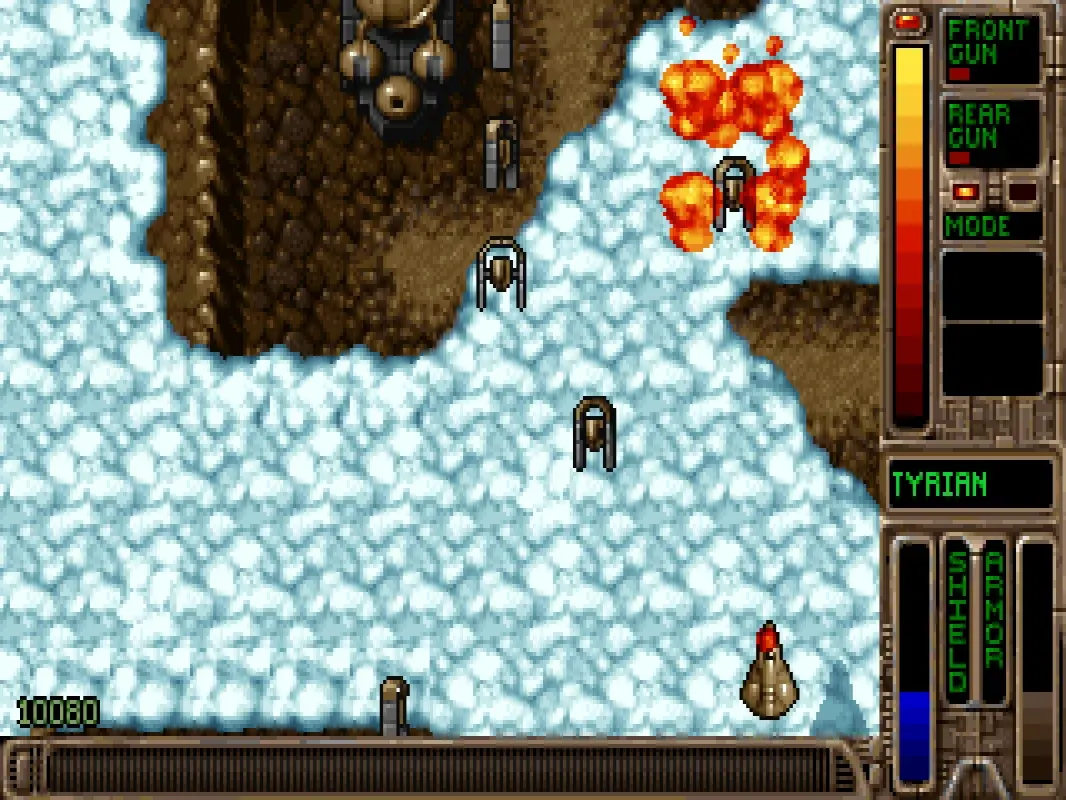
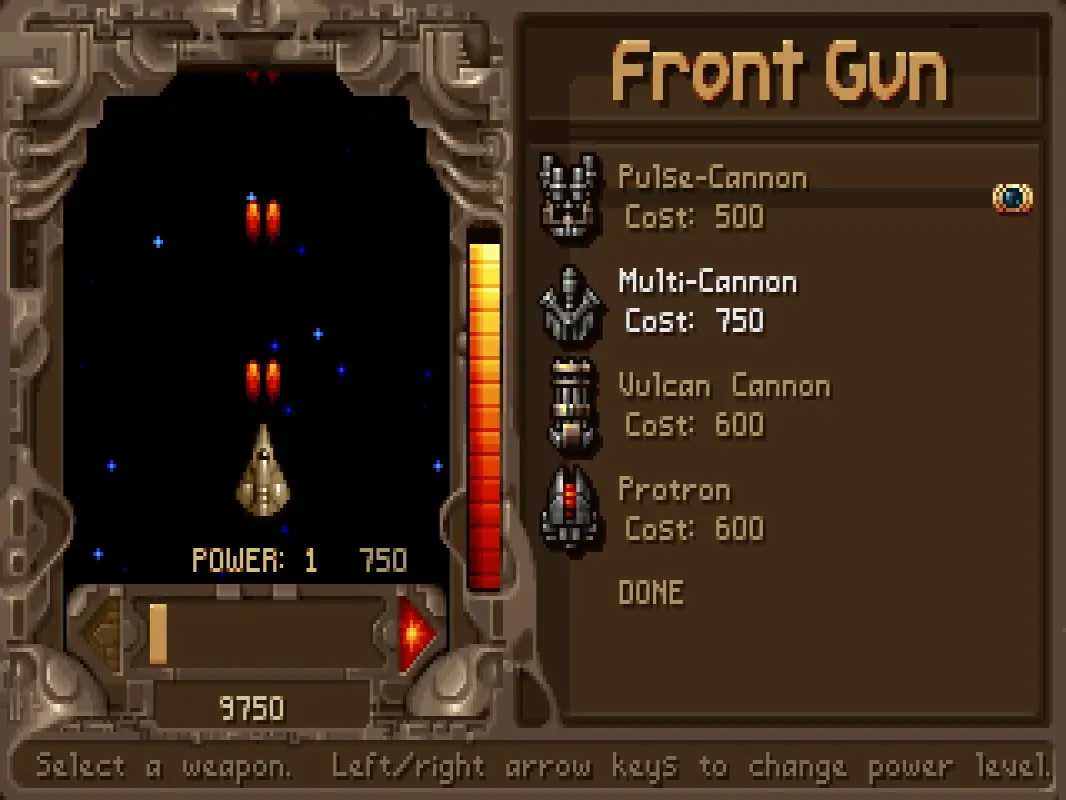
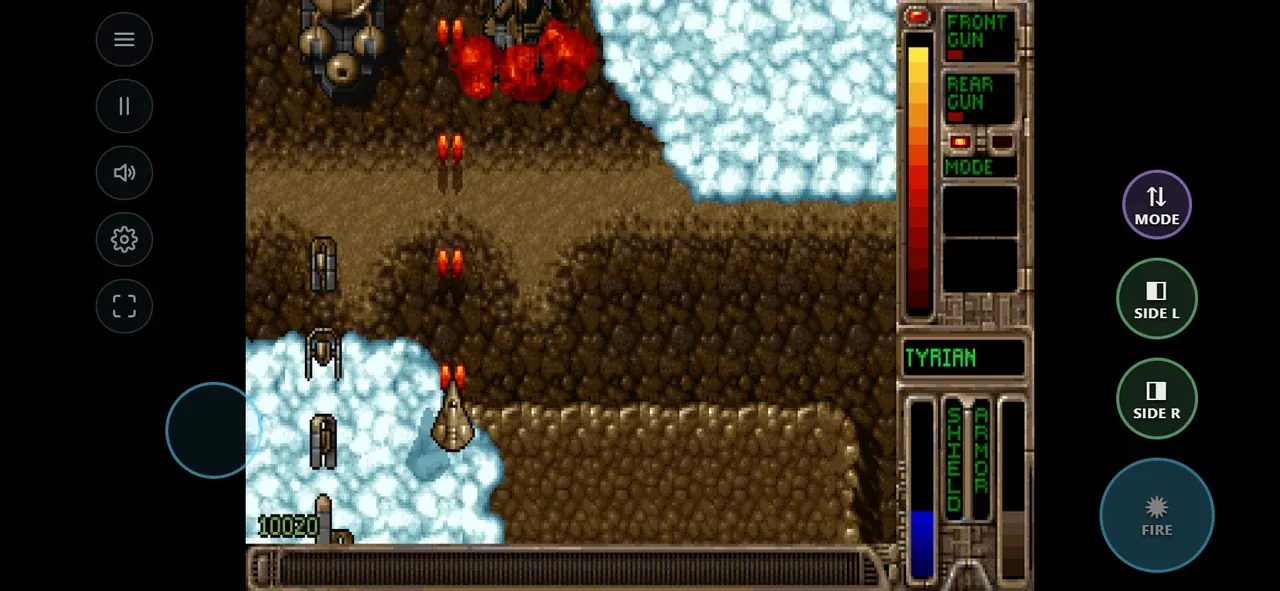
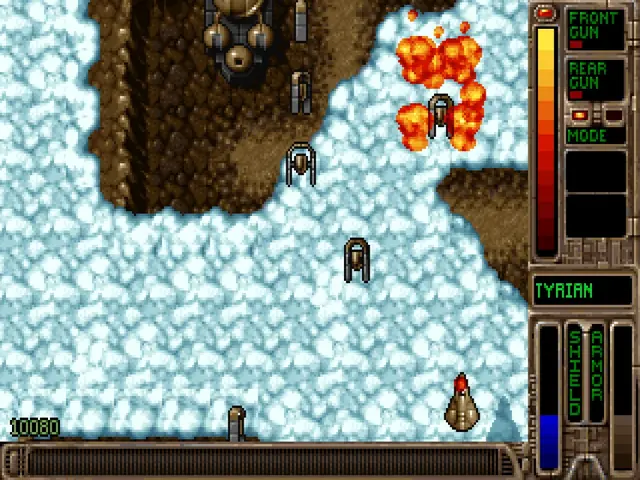
Screenshots from the browser versions
02About Tyrian
Tyrian is one of the great vertical shoot 'em ups of the DOS era. In the year 20,031 you pilot Trent Hawkins' fighter through four episodes of fast, colourful space battles. Between the levels you spend your credits in a deep ship shop with front and rear guns, shields, generators and sidekicks, read data cubes that tell the story and find secret levels. The soundtrack by Alexander Brandon is a classic in its own right.
Tyrian was developed by Eclipse Software, published by Epic MegaGames in 1995 and released as freeware in 2004. This version is Tyrian 2.1 running on OpenTyrian, the open source port of the original game code.
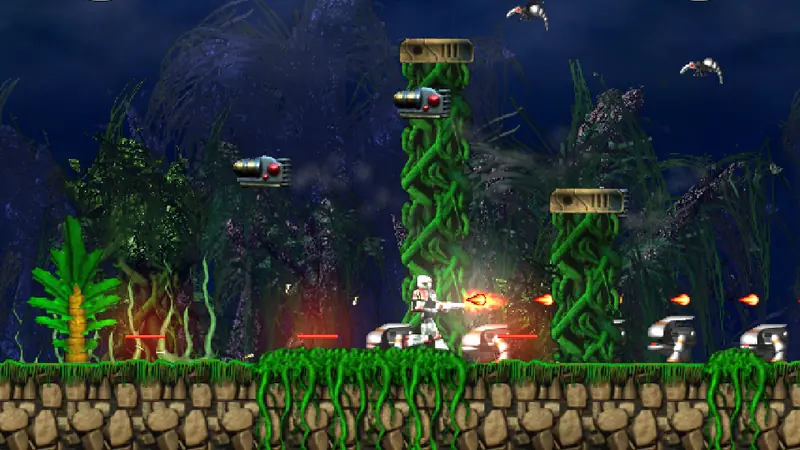
Similar on Grab3D: Abuse (Run and gun platformer) and Hurrican (Run and gun platformer).
- Genre
- Vertical shoot 'em up
- First release
- 1995
- Version
- 2.1
- Original developer
- Eclipse Software
- Language
- English
- Download
- 4 MB (first start)
- Controls
- Keyboard and mouse, Touch, Gamepad
- License
- OpenTyrian engine: GNU GPL v2 or later
03Tips for your first game of Tyrian
- Spend your credits in the ship shop between the levels: front and rear guns, shields, generators and sidekicks all change how your ship plays.
- Save between the levels with Options, then Save. There are 11 slots per episode set, and on the keyboard Alt+S and Alt+L quick save and quick load.
- On a phone, drag anywhere: the ship follows with an offset and fires automatically. Landscape gives a bigger picture, portrait works too.
- Read the data cubes you pick up. They tell the story of Trent Hawkins.
04What was remastered for the browser
Improvements only touch the picture and the controls. Game logic and speed stay as in the original.
- Runs via WebAssembly and starts in a few seconds.
- Tyrian's game logic runs on a fixed timer (about 34.8 frames per second). That timer is kept exactly, each frame is only presented at your display's refresh, so the speed is the original one on 30 to 144 Hz screens (measured).
- The 320 × 200 picture in its original 4:3 shape with sharp, even pixels, also on high density phone screens.
- A real touch shooter on phones: drag anywhere, the ship follows with an offset so your thumb never covers it, and fires automatically.
- Works in portrait too, keyboard, mouse or gamepad on the desktop, automatic pause when you switch tabs.
- Original music and sound effects.
05How to play Tyrian
Keyboard and mouse
| Arrow keys/W A S D | Fly |
|---|---|
| Space/J | Fire |
| Enter | Rear weapon mode |
| X/C | Left and right sidekick (also K and L) |
| Mouse | Move to fly, left button fires, menus can be clicked |
| Esc | Game menu |
| P | Pause |
| F1 | Help |
Touch screen
| Drag anywhere | Fly, fires automatically while touching |
|---|---|
| SIDE L/SIDE R | Sidekicks |
| MODE | Rear weapon mode |
| Tap | Menus, ship shop, saving and loading |
Gamepad
| Left stick/D-pad | Fly |
|---|---|
| A/RT | Fire |
| B | Rear weapon mode, back in menus |
| LB/RB | Sidekicks |
| Start | Menu |
Keys and gamepad buttons can be changed in the game (Options, Keyboard or Joystick). The gamepad is detected as soon as you press a button. In the touch settings you can switch auto fire to always on or FIRE button only.
Playing on an iPhone? Safari cannot switch web pages to fullscreen on the iPhone. Add the game to your Home Screen and it starts without the address bar. Play fullscreen on the iPhone, step by step
06Savegames
Save between the levels (Options, then Save). Saves, high scores and settings stay in your browser and survive reloads and restarts. Clearing your browser's site data deletes them, so use Back up savegames in the settings to keep a backup or move your progress to another device.
Requirements and download
- About 4 MB on the first start, then cached by your browser.
- A current browser with WebAssembly and WebGL
- Desktop, tablet or phone, landscape or portrait
- Game in English
Questions about Tyrian
Can I play Tyrian for free in the browser?
Yes, Tyrian 2.1 runs free in the browser here on OpenTyrian, the open source port of the original game code. The game data are the official freeware files. The game itself is in English.
Does Tyrian work on phones and tablets?
Yes, Tyrian has touch controls for phones and tablets. They were tested with phone emulation in Chrome, real devices are not tested yet.
Where are my Tyrian savegames stored?
Save between the levels (Options, then Save). Saves, high scores and settings stay in your browser and survive reloads and restarts. Clearing your browser's site data deletes them, so use Back up savegames in the settings to keep a backup or move your progress to another device.
How big is the download?
About 4 MB on the first start, then cached by your browser.

License: OpenTyrian engine: GNU GPL v2 or later Source code of this web version Licenses and credits
The CC0 license of the Grab3D model library does not apply to the games. Each game keeps its own license.