First person shooter · v0.13.0
Play Freedoom online, free in your browser
In short
Yes, Freedoom runs free in the browser here, both campaigns Phase 1 and Phase 2. Freedoom is a complete first person shooter with its own levels, graphics, music and sounds under a free license. It plays on dsda-doom, an engine that is compatible with the shooters of the 90s, compiled for the web. There is nothing to install.
- What
- First person shooter
- Price
- Free, no account, no ads in the game
- Runs in
- Your browser, nothing to install
- Controls
- Keyboard and mouse, Touch, Gamepad
- Phone
- Yes, with touch controls
- Keyboard and mouse
- Touch
- Gamepad
- Game in English
- Saves: In your browser
01Screenshots
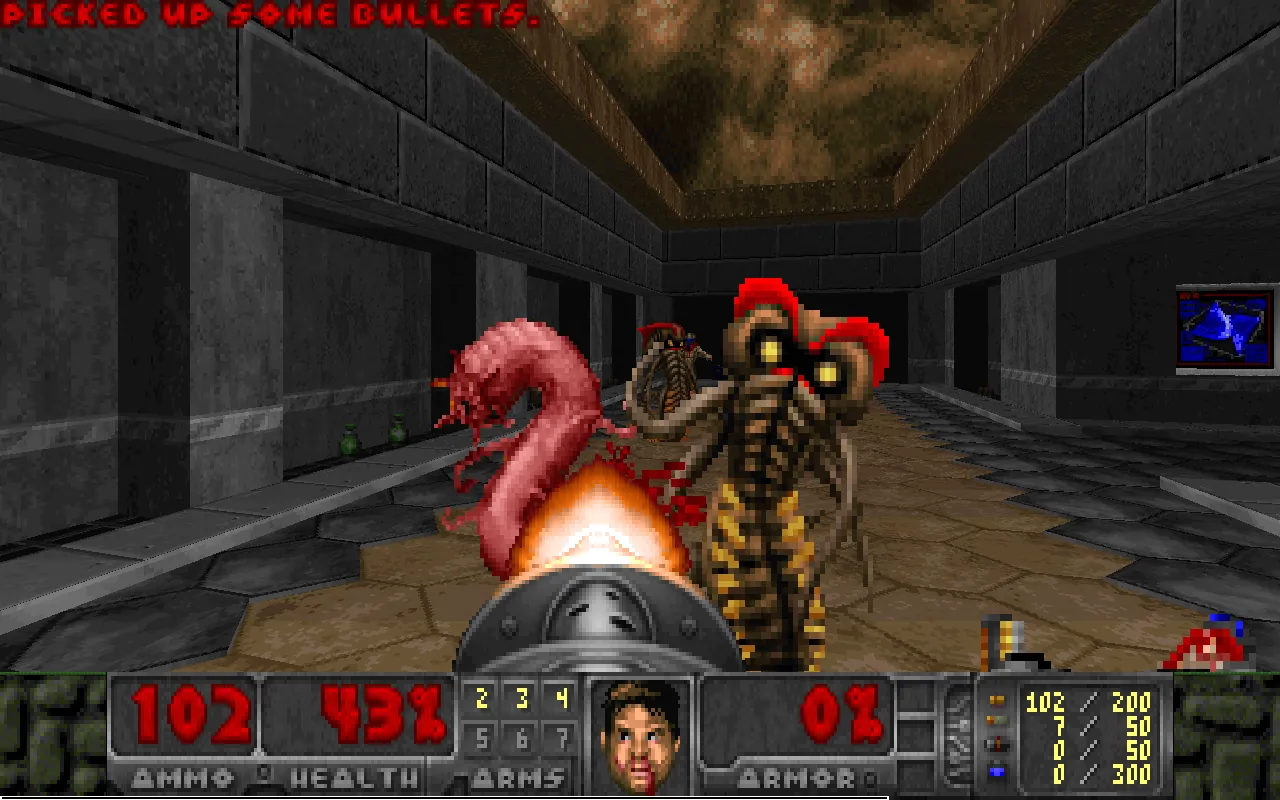
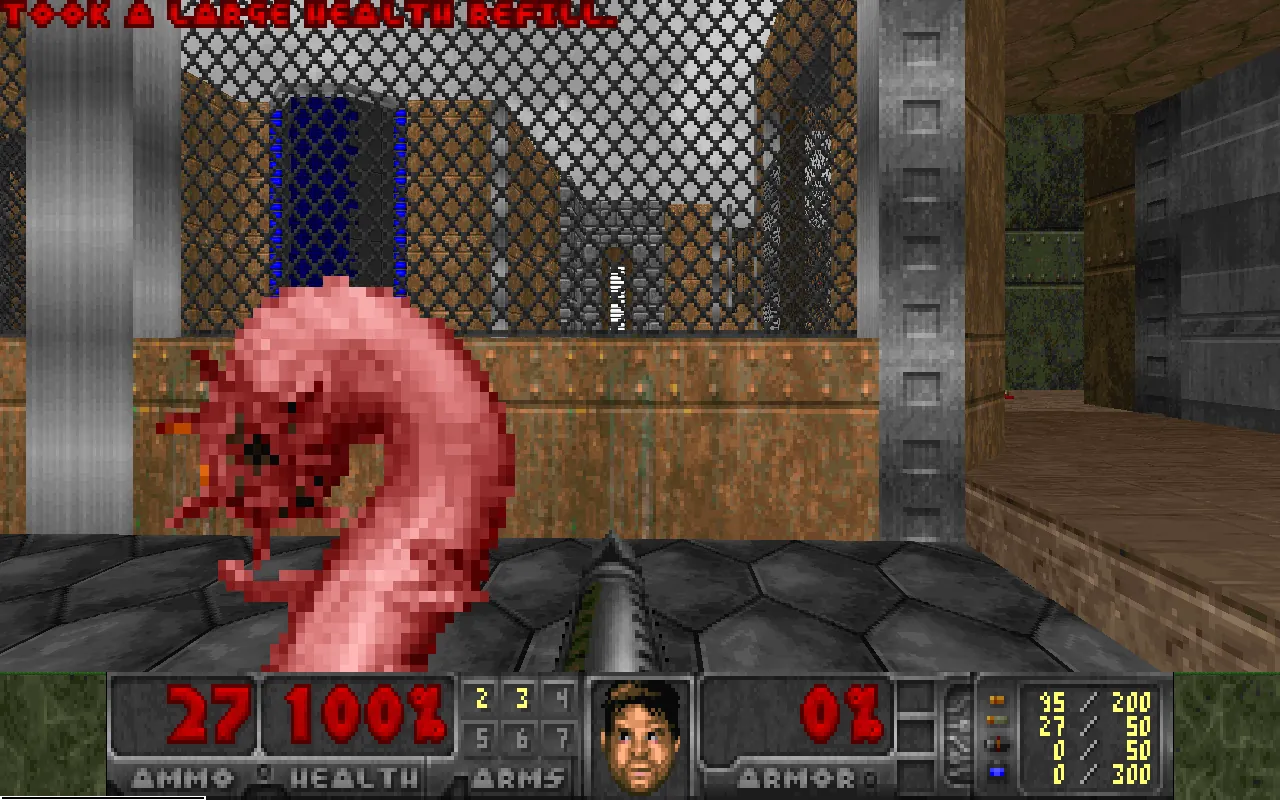
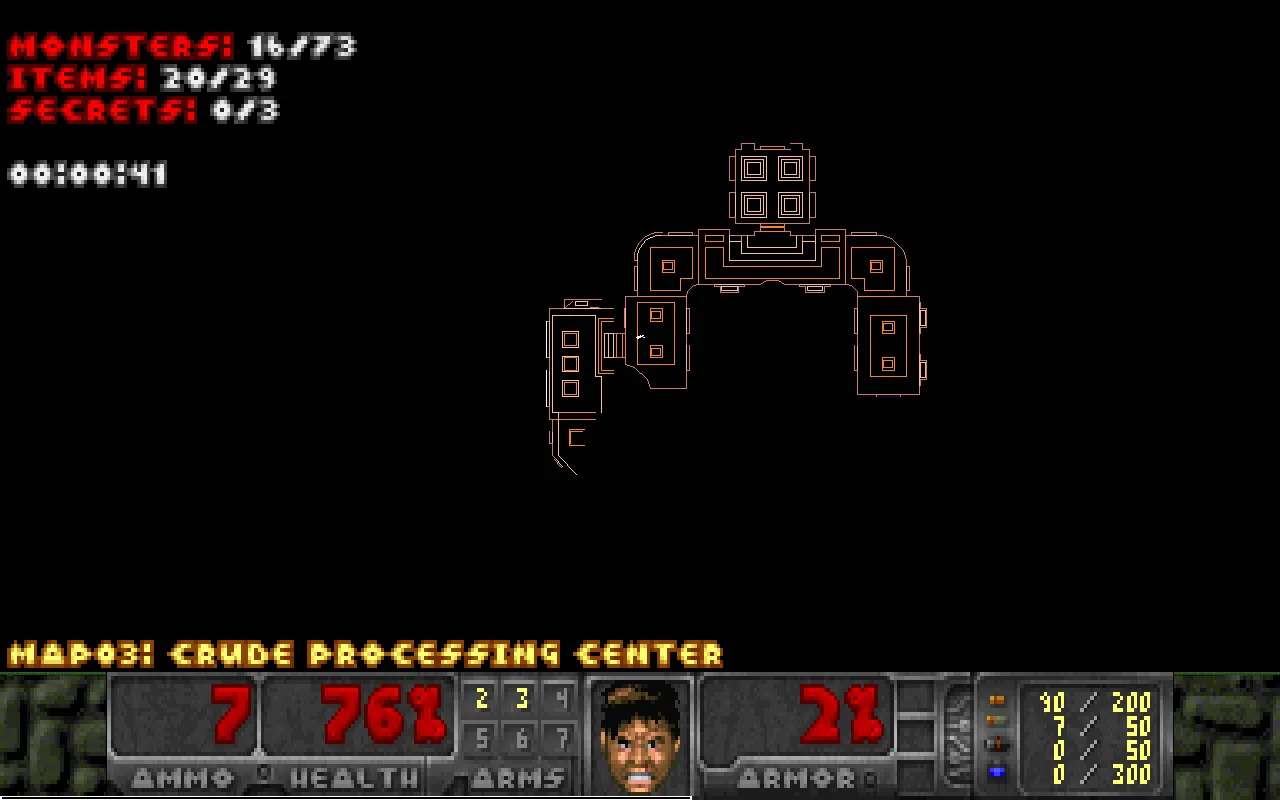
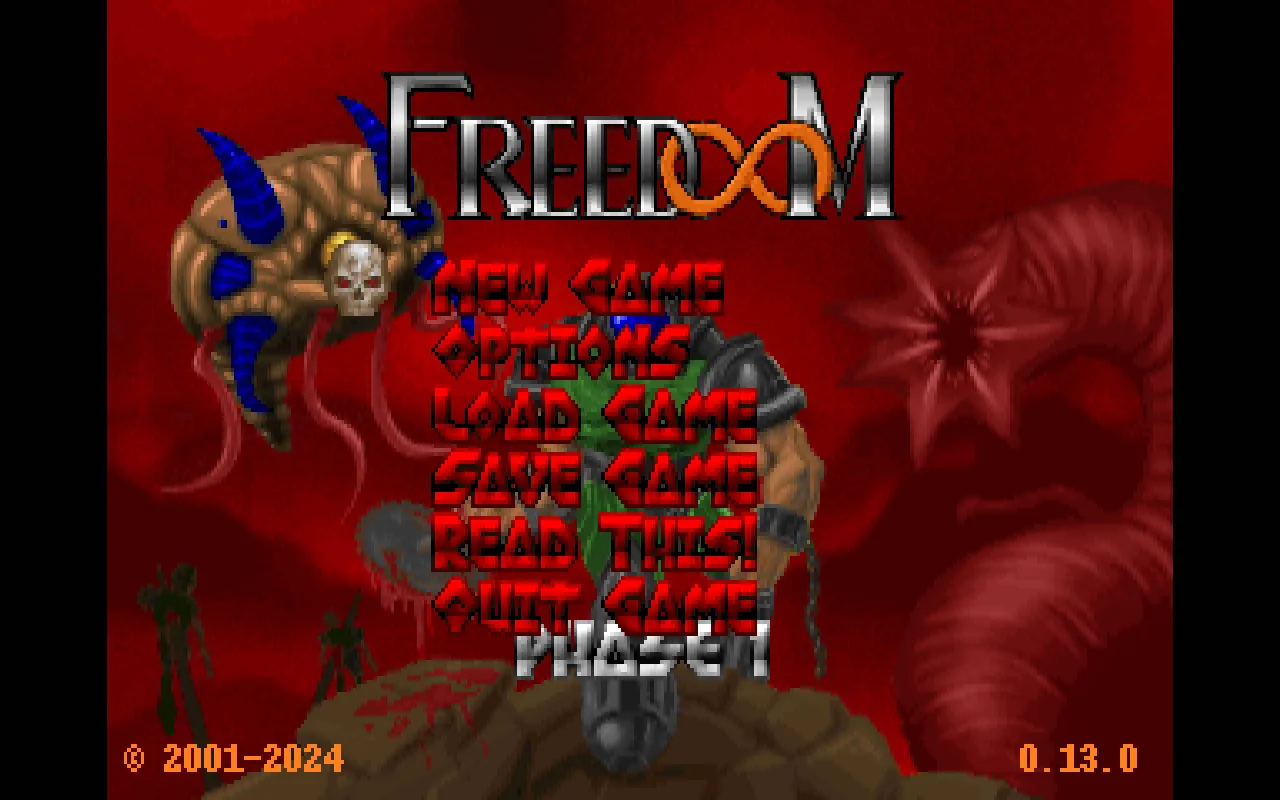
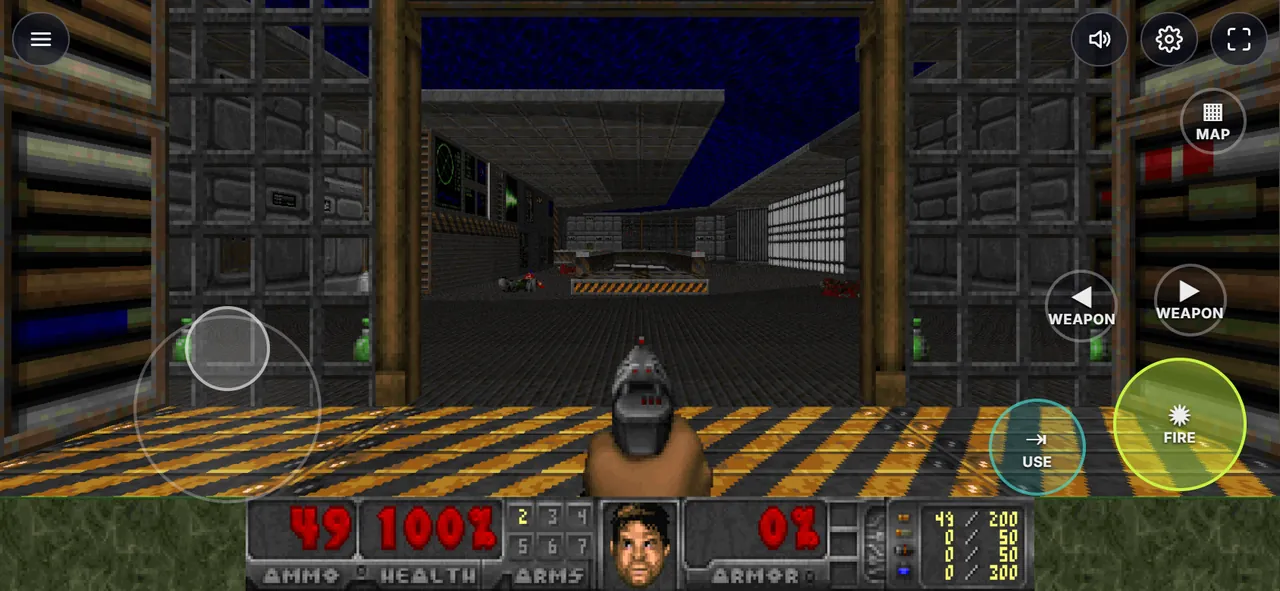
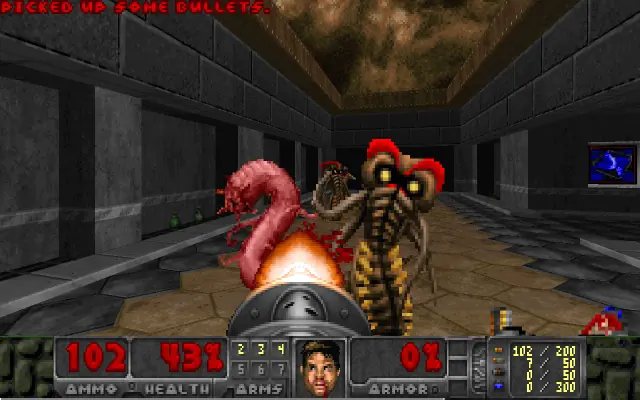
Screenshots from the browser versions
02About Freedoom
Freedoom is a free first person shooter in the style of the 90s classics, made by volunteers since 2001. Every level, texture, monster, sound and music track is original work under the BSD license. You fight through bases, labs and alien caves, look for keys, open secret doors and collect a growing arsenal from the pistol to energy weapons.
Phase 1 has four episodes with 36 levels, Phase 2 is one campaign with 32 levels, the super shotgun and more kinds of monsters. Both are the official release 0.13.0, unchanged. It is an action shooter with monsters and depictions of violence including blood. Freedoom is an independent project and is not affiliated with id Software or Bethesda.
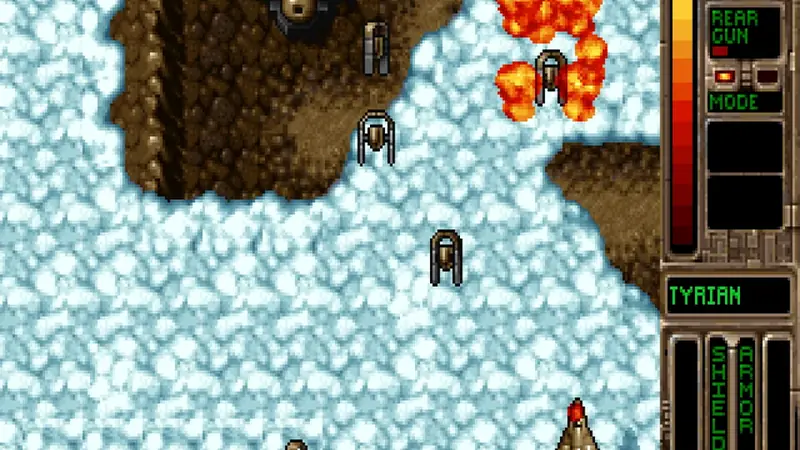
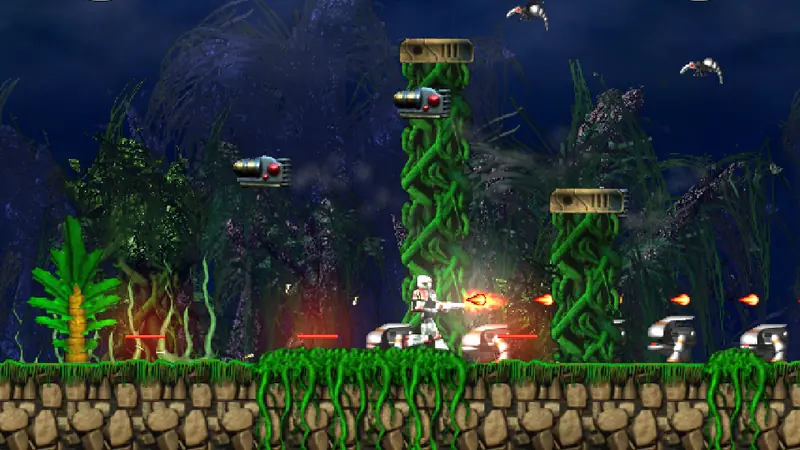
Similar on Grab3D: Abuse (Run and gun platformer) and Tyrian (Vertical shoot 'em up).
- Genre
- First person shooter
- Version
- 0.13.0
- Original developer
- Freedoom project
- Language
- English
- Download
- 9.6 MB (first start)
- Controls
- Keyboard and mouse, Touch, Gamepad
- License
- dsda-doom engine: GNU GPL v2 or later
03Tips for your first game of Freedoom
- Coloured doors need the key of the same colour. Press Tab (or MAP on touch screens) to see where you have not been yet.
- Walls that look different can hide secrets: press E or Space in front of them.
- Save often with F6 and load with F9. Your savegames stay in this browser and can be exported as a file.
- Running is on by default. Hold Shift to walk slowly along ledges.
- New to shooters? Start Phase 1 on Very easy or Easy, it has gentler first levels than Phase 2.
04What was remastered for the browser
Improvements only touch the picture and the controls. Game logic and speed stay as in the original.
- Original game logic at 35 steps per second. Measured in the browser at 30 to 240 Hz screens, the speed is always the same.
- Smooth picture: one frame per screen refresh, interpolated by the engine between the game steps.
- Sharp picture in widescreen at the pixel density of your screen, up to 1440p, with a quality setting from classic pixels to very high.
- Modern controls: W A S D and mouse look with captured mouse, arrow keys, gamepads with the standard layout and touch controls with move stick, swipe to turn and FIRE that also aims.
- Music from an emulated OPL3 synthesizer with the instruments of Freedoom, all sound effects included.
- Choose Phase 1 or Phase 2 and the difficulty on the start screen. Continue starts your last savegame of that phase.
05How to play Freedoom
Keyboard and mouse
| W A S D/Arrow keys | Move and strafe |
|---|---|
| Mouse | Turn and aim (click into the game to capture the mouse) |
| Left click/Ctrl | Fire |
| E/Space | Open doors, press switches |
| 1 to 7/Mouse wheel | Choose a weapon |
| Tab/M | Map |
| Shift | Walk slowly (running is on) |
| F6/F9 | Quick save and quick load |
| Esc | Menu |
Touch screen
| Left thumb | Move stick: push to walk and strafe, push further to run |
|---|---|
| Right thumb | Swipe on the right half to turn |
| Tap | FIRE (hold and slide to aim), USE, weapon arrows and MAP |
Gamepad
| Left stick | Move and strafe |
|---|---|
| Right stick | Turn |
| RT | Fire |
| A | Open doors, press switches |
| X/Y | Previous and next weapon |
| LT | Map |
| Start | Menu |
Keys can be changed in the game menu (Options). Hold the phone in landscape. Settings ⚙ has a slider for the turning speed on touch screens.
Playing on an iPhone? Safari cannot switch web pages to fullscreen on the iPhone. Add the game to your Home Screen and it starts without the address bar. Play fullscreen on the iPhone, step by step
06Savegames
Savegames and settings are stored only in your browser (IndexedDB), separately for Phase 1 and Phase 2, and never sent to us. In the settings ⚙ you can export them as a file and restore them on another device.
Requirements and download
- About 9 MB on the first start for Phase 1 and 9.6 MB for Phase 2: the engine and only the phase you choose, then cached by your browser.
- A current browser with WebAssembly
- Keyboard and mouse, a gamepad, or a phone or tablet in landscape
- Single player. Action shooter with monsters and violence.
- Game in English
Questions about Freedoom
Can I play Freedoom for free in the browser?
Yes, Freedoom runs free in the browser here, both campaigns Phase 1 and Phase 2. Freedoom is a complete first person shooter with its own levels, graphics, music and sounds under a free license. It plays on dsda-doom, an engine that is compatible with the shooters of the 90s, compiled for the web. There is nothing to install.
Does Freedoom work on phones and tablets?
Yes, Freedoom has touch controls for phones and tablets. They were tested with phone emulation in Chrome, real devices are not tested yet.
Where are my Freedoom savegames stored?
Savegames and settings are stored only in your browser (IndexedDB), separately for Phase 1 and Phase 2, and never sent to us. In the settings ⚙ you can export them as a file and restore them on another device.
How big is the download?
About 9 MB on the first start for Phase 1 and 9.6 MB for Phase 2: the engine and only the phase you choose, then cached by your browser.

License: dsda-doom engine: GNU GPL v2 or later Source code of this web version Licenses and credits
The CC0 license of the Grab3D model library does not apply to the games. Each game keeps its own license.