City building simulation · 1989
Play Micropolis online, free in your browser
In short
Yes, Micropolis runs free in the browser here. It is the original 1989 city simulation engine, released as open source and compiled to WebAssembly, with a new interface for desktop and touch screens and all eight scenarios.
- What
- City building simulation, 1989
- Price
- Free, no account, no ads in the game
- Runs in
- Your browser, nothing to install
- Controls
- Keyboard and mouse, Touch
- Phone
- Yes, with touch controls
- Keyboard and mouse
- Touch
- Game in English or German
- Saves: In your browser
01Screenshots
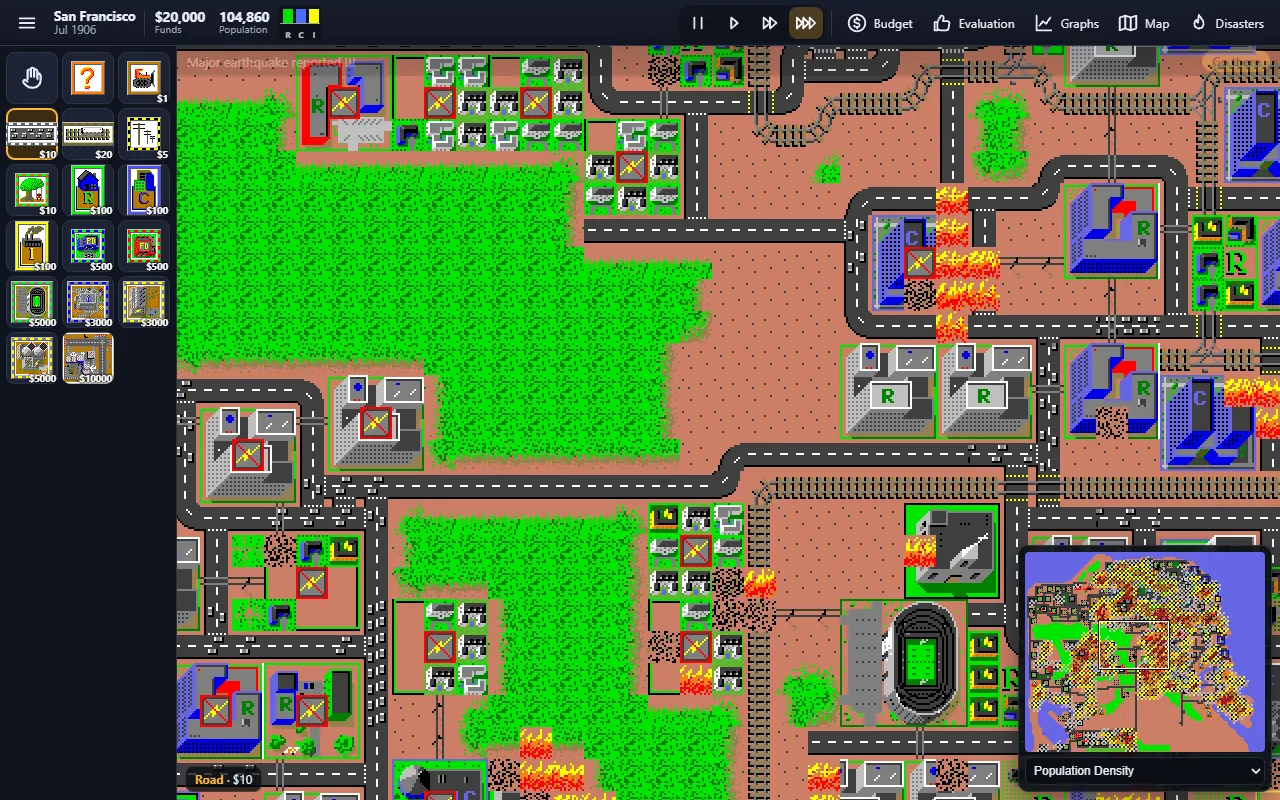
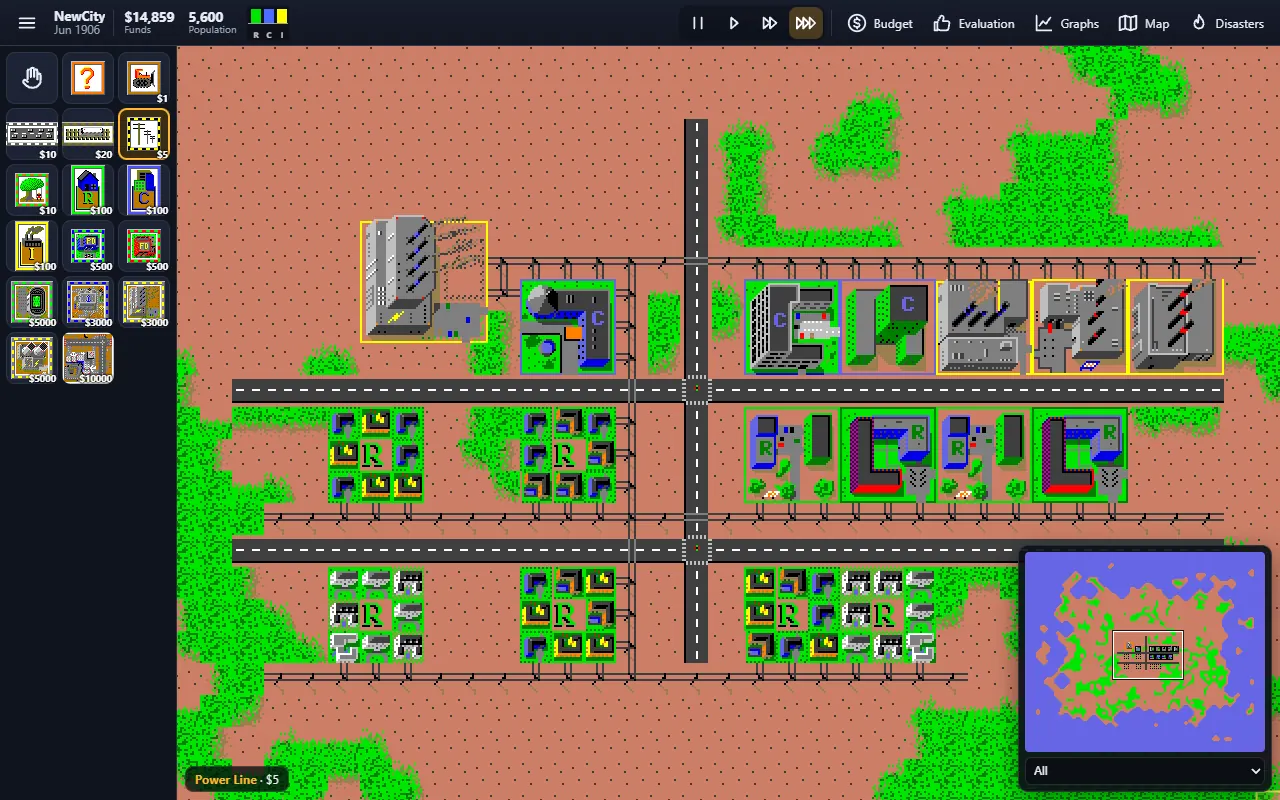
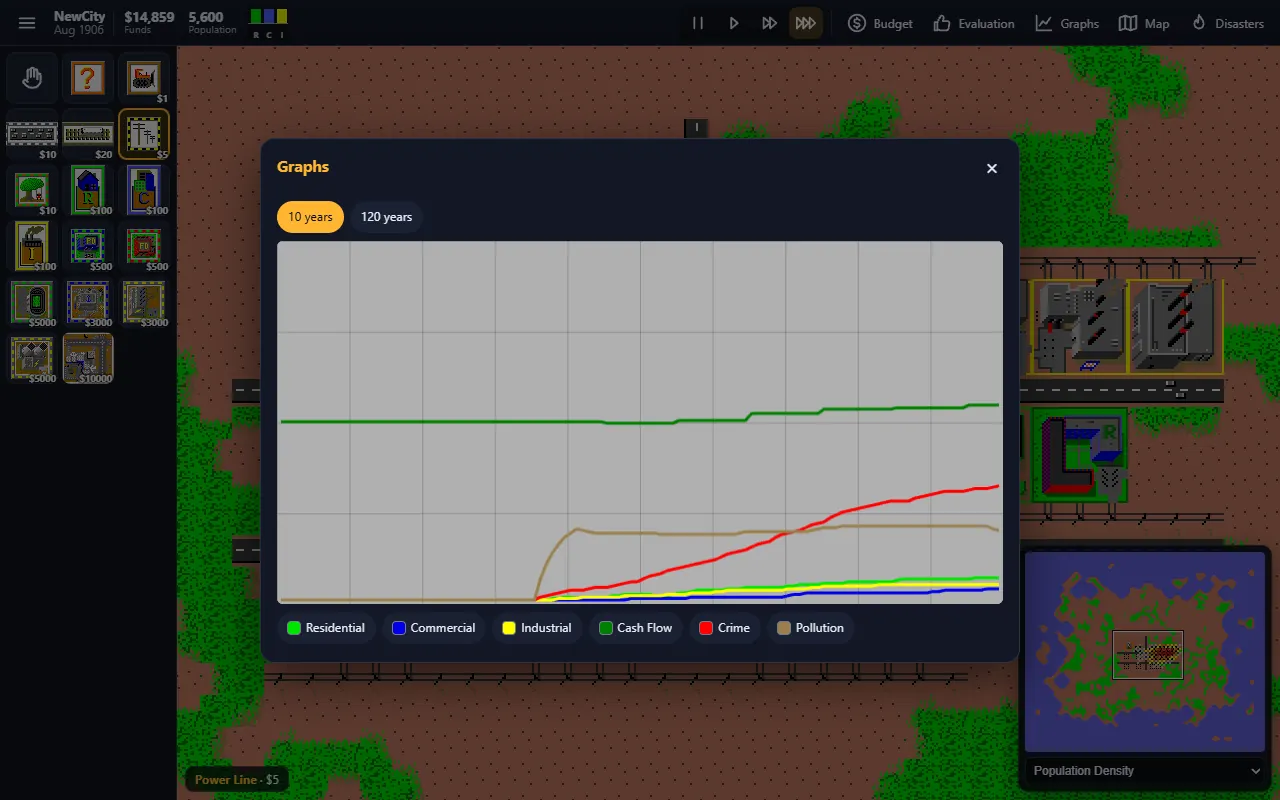

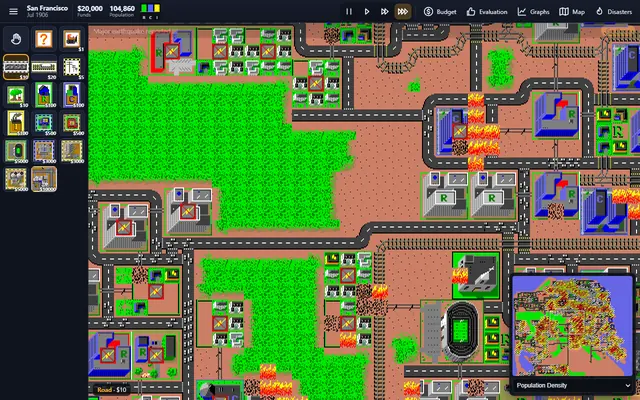
Screenshots from the browser versions
02About Micropolis
Micropolis is the city simulator that started a whole genre. Designed by Will Wright and first published in 1989, it lets you play mayor of a growing city. You zone land for homes, shops and industry, connect it with roads, rails and power lines, set taxes and budgets for roads, police and fire departments and watch your citizens move in, complain about traffic and crime and vote on how well you are doing. Monsters, tornadoes, floods, earthquakes and meltdowns keep you on your toes.
Micropolis is the open source release of the original game code, published by Electronic Arts under the GNU GPL in 2008 for the One Laptop per Child project. This is a modified version, not the original program, and it is not affiliated with Electronic Arts.
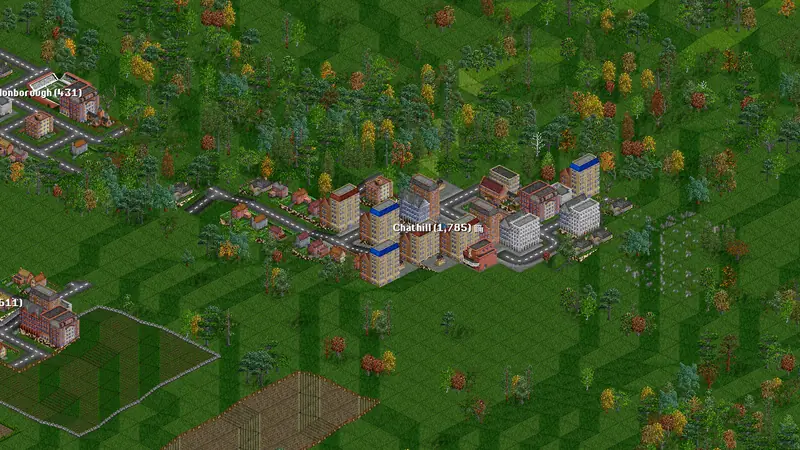
Similar on Grab3D: OpenTTD (Transport simulation).
- Genre
- City building simulation
- First release
- 1989
- Original developer
- Will Wright, Electronic Arts, Don Hopkins
- Language
- English, German
- Download
- 2 MB (first start)
- Controls
- Keyboard and mouse, Touch
- License
- GNU GPL v3 with additional terms by Electronic Arts
03Tips for your first game of Micropolis
- Zones only grow with power. Connect homes, shops and industry to a power plant with power lines, or place the zones next to each other.
- Watch the R, C and I demand bars in the top bar and the messages in the news line. They tell you what your city needs next.
- A new city starts with 20,000, 10,000 or 5,000 dollars, depending on the level. U opens the budget, E the evaluation, G the graphs and M the map.
- Disasters can be switched off under Menu, Options, Disasters. The eight scenarios, from Dullsville 1900 to Rio de Janeiro 2047, always bring their own challenge and a time limit.
04What was remastered for the browser
Improvements only touch the picture and the controls. Game logic and speed stay as in the original.
- The original C++ simulation engine (MicropolisCore by Don Hopkins, who ported the game to Unix in 1990) compiled to WebAssembly.
- Compared with the original 1990 C code, original behaviour restored where the later C++ port had drifted, for example the Hamburg scenario, residential growth, traffic and the terrain generator.
- The simulation runs at the original tick rate of the Unix version with the four classic speeds. A smoother display never changes the game speed.
- A new interface for desktop and touch: sharp pixels at any zoom, original tiles, sprites, sounds and cities, all eight scenarios, budget, evaluation, graphs, overview map with all overlays and disasters.
- Savegames with download and upload of standard .cty city files.
05How to play Micropolis
Keyboard and mouse
| Left click | Build with the selected tool, hold and drag for roads, rails and power lines |
|---|---|
| Right drag/Middle click | Move the map |
| Mouse wheel | Zoom |
| Space | Pause |
| 1/2/3 | Speed |
| X/Z | Next or previous tool |
| B/R/P/T | Hold for bulldozer, road, power line and rail, as in the original |
| Q | Query a spot |
| Arrow keys | Scroll |
| F1 | Help |
Touch screen
| Tap | Build |
|---|---|
| One finger drag | Draw a line with road, rail, power line, park or bulldozer, otherwise move the map |
| Two finger drag/Pinch | Move and zoom the map |
| Long press | Show the zone status of a spot |
No gamepad support in this version.
Landscape and portrait are both supported.
Playing on an iPhone? Safari cannot switch web pages to fullscreen on the iPhone. Add the game to your Home Screen and it starts without the address bar. Play fullscreen on the iPhone, step by step
06Savegames
Your city is saved automatically when you leave the page (Continue on the start screen). Named saves stay in your browser storage, clearing the site data deletes them. Use Download to keep a .cty file. It loads again with Import and works with other Micropolis versions too.
Requirements and download
- About 2 MB on the first start, then cached by your browser.
- A current browser with WebAssembly
- Desktop, tablet or phone, landscape or portrait
- Game in English or German
Questions about Micropolis
Can I play Micropolis for free in the browser?
Yes, Micropolis runs free in the browser here. It is the original 1989 city simulation engine, released as open source and compiled to WebAssembly, with a new interface for desktop and touch screens and all eight scenarios.
Does Micropolis work on phones and tablets?
Yes, Micropolis has touch controls for phones and tablets. They were tested with phone emulation in Chrome, real devices are not tested yet.
Where are my Micropolis savegames stored?
Your city is saved automatically when you leave the page (Continue on the start screen). Named saves stay in your browser storage, clearing the site data deletes them. Use Download to keep a .cty file. It loads again with Import and works with other Micropolis versions too.
How big is the download?
About 2 MB on the first start, then cached by your browser.

License: GNU GPL v3 with additional terms by Electronic Arts Source code of this web version Licenses and credits
Micropolis is a registered trademark of Micropolis Corporation (Micropolis GmbH) and is licensed here as a courtesy of the owner under the Micropolis Public Name License. micropolis.com
The CC0 license of the Grab3D model library does not apply to the games. Each game keeps its own license.