Cozy Item Icons
Free item icons for game inventories
In short
Cozy Item Icons is a free CC0 icon pack with 150 game items in 13 categories: food and ingredients, tools, crafting materials, treasure and keys, potions, plants and seeds, household things, books and scrolls, music, sports and toys, sci-fi tech and pickups. Every icon comes as a transparent PNG in 512, 256, 128 and 64 px, with outline versions at 128 and 64 px and a ready atlas for each size, 900 PNGs in total.
- Items
- 150 icons
- Sizes
- 6 variants (512, 256, 128, 128 outline, 64, 64 outline)
- Format
- PNG, atlas with JSON
- License
- CC0 1.0
CC0 icons: use, edit and ship them freely
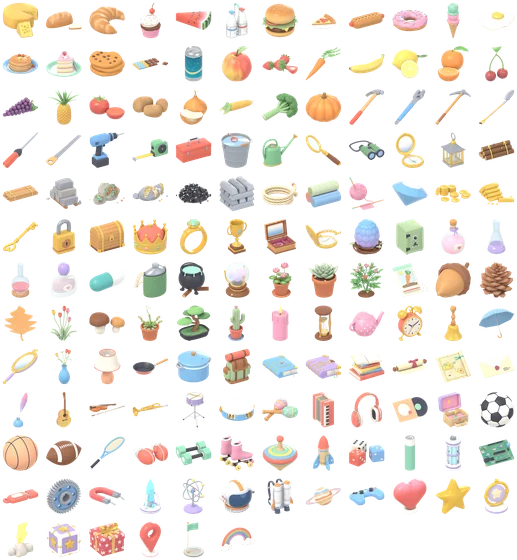
01Treasure Chest in every size
Displayed pixel for pixel, the outline files sit next to the plain ones.
-
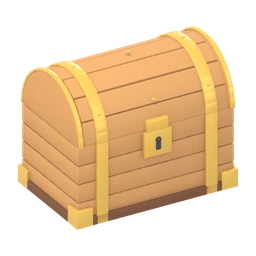
256 px -
128 px -

64 px -
128 px outline -

64 px outline
02150 icons in the pack
Below each icon: the Cozy Kit its 3D model belongs to, with a link to the model.
-
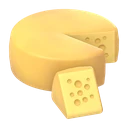 Cheese Wheel 3D model: Cheese Wheel
-
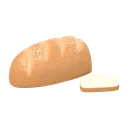 Bread Loaf 3D model: Bread Loaf
-
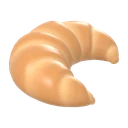 Croissant 3D model: Croissant
-
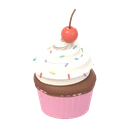 Cupcake 3D model: Cupcake
-
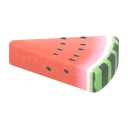 Watermelon Slice 3D model: Watermelon Slice
-
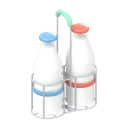 Milk Bottle 3D model: Milk Bottle
-
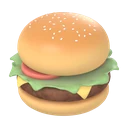 Burger 3D model: Burger
-
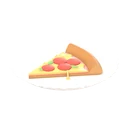 Pizza Slice 3D model: Pizza Slice
-
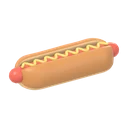 Hot Dog 3D model: Hot Dog
-
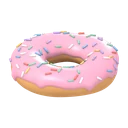 Donut 3D model: Donut
-
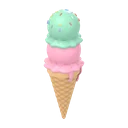 Ice Cream Cone 3D model: Ice Cream Cone
-
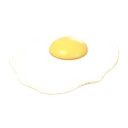 Fried Egg 3D model: Fried Egg
-
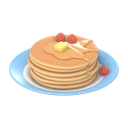 Pancake Stack 3D model: Pancake Stack
-
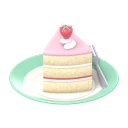 Slice of Cake 3D model: Slice of Cake
-
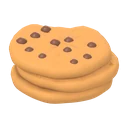 Chocolate Chip Cookies 3D model: Chocolate Chip Cookies
-
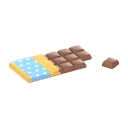 Chocolate Bar 3D model: Chocolate Bar
-
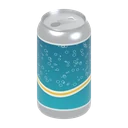 Soda Can 3D model: Soda Can
-
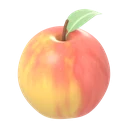 Apple 3D model: Apple
-
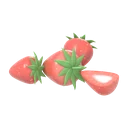 Strawberry 3D model: Strawberry
-
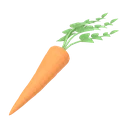 Carrot 3D model: Carrot
-
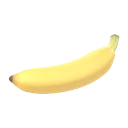 Banana 3D model: Banana
-
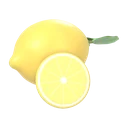 Lemon 3D model: Lemon
-
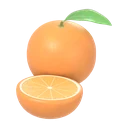 Orange 3D model: Orange
-
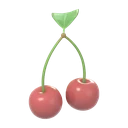 Cherries 3D model: Cherries
-
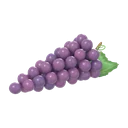 Grapes 3D model: Grapes
-
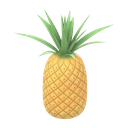 Pineapple 3D model: Pineapple
-
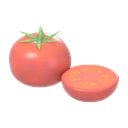 Tomato 3D model: Tomato
-
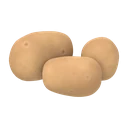 Potatoes 3D model: Potatoes
-
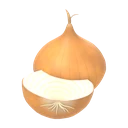 Onion 3D model: Onion
-
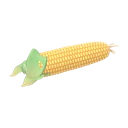 Corn Cob 3D model: Corn Cob
-
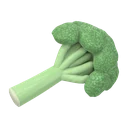 Broccoli 3D model: Broccoli
-
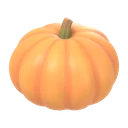 Pumpkin 3D model: Pumpkin
-
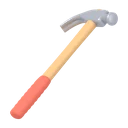 Claw Hammer 3D model: Claw Hammer
-
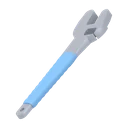 Adjustable Wrench 3D model: Adjustable Wrench
-
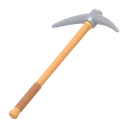 Pickaxe 3D model: Pickaxe
-
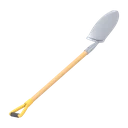 Shovel 3D model: Shovel
-
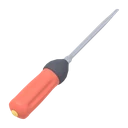 Screwdriver 3D model: Screwdriver
-
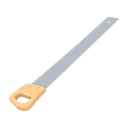 Handsaw 3D model: Handsaw
-
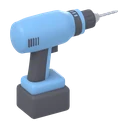 Power Drill 3D model: Power Drill
-
 Tape Measure 3D model: Tape Measure
-
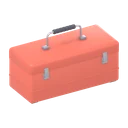 Toolbox 3D model: Toolbox
-
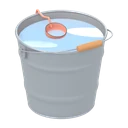 Bucket 3D model: Bucket
-
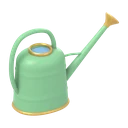 Watering Can 3D model: Watering Can
-
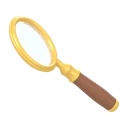 Magnifying Glass 3D model: Magnifying Glass
-
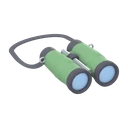 Binoculars 3D model: Binoculars
-
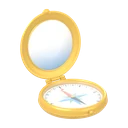 Brass Compass 3D model: Brass Compass
-
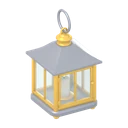 Lantern 3D model: Lantern
-
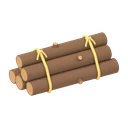 Wood Log Bundle 3D model: Wood Log Bundle
-
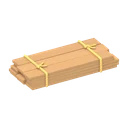 Wood Planks Bundle 3D model: Wood Planks Bundle
-
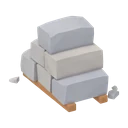 Stone Blocks Stack 3D model: Stone Blocks Stack
-
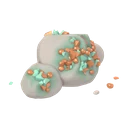 Copper Ore Rock 3D model: Copper Ore Rock
-
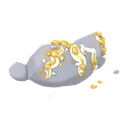 Gold Ore Rock 3D model: Gold Ore Rock
-
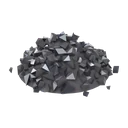 Coal Pile 3D model: Coal Pile
-
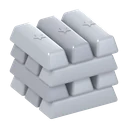 Metal Ingot Stack 3D model: Metal Ingot Stack
-
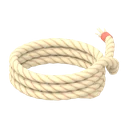 Rope Coil 3D model: Rope Coil
-
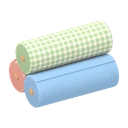 Fabric Bolt 3D model: Fabric Bolt
-
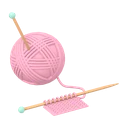 Yarn Ball 3D model: Yarn Ball
-
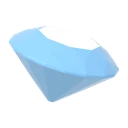 Gem Set 3D model: Gem Set
-
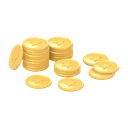 Coin Stack 3D model: Coin Stack
-
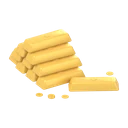 Gold Bars 3D model: Gold Bars
-
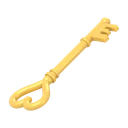 Golden Key 3D model: Golden Key
-
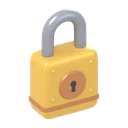 Padlock 3D model: Padlock
-
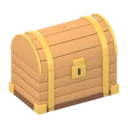 Treasure Chest 3D model: Treasure Chest
-
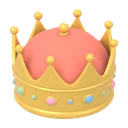 Crown 3D model: Crown
-
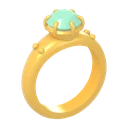 Gold Ring 3D model: Gold Ring
-
 Trophy Cup 3D model: Trophy Cup
-
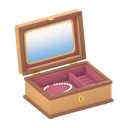 Jewelry Box 3D model: Jewelry Box
-
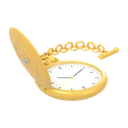 Pocket Watch 3D model: Pocket Watch
-
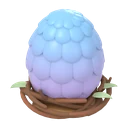 Dragon Egg 3D model: Dragon Egg
-
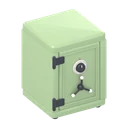 Office Safe 3D model: Office Safe
-
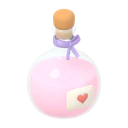 Potion Bottle 3D model: Potion Bottle
-
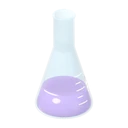 Erlenmeyer Flask 3D model: Erlenmeyer Flask
-
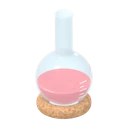 Round Bottom Flask 3D model: Round Bottom Flask
-
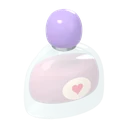 Perfume Bottle 3D model: Perfume Bottle
-
 Medicine Pills 3D model: Medicine Pills
-
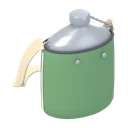 Canteen 3D model: Canteen
-
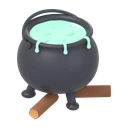 Cauldron 3D model: Cauldron
-
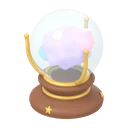 Crystal Ball 3D model: Crystal Ball
-
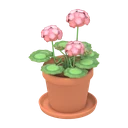 Flower Pot 3D model: Flower Pot
-
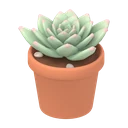 Potted Succulent 3D model: Potted Succulent
-
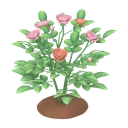 Rose Bush 3D model: Rose Bush
-
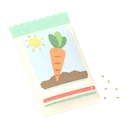 Seed Packet 3D model: Seed Packet
-
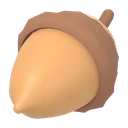 Acorns 3D model: Acorns
-
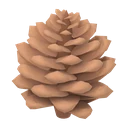 Pine Cones 3D model: Pine Cones
-
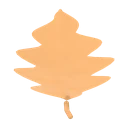 Leaves 3D model: Leaves
-
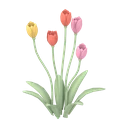 Tulips 3D model: Tulips
-
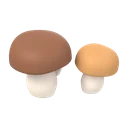 Forest Mushrooms 3D model: Forest Mushrooms
-
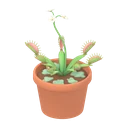 Venus Flytrap 3D model: Venus Flytrap
-
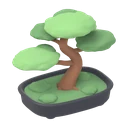 Bonsai Tree 3D model: Bonsai Tree
-
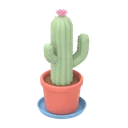 Potted Cactus 3D model: Potted Cactus
-
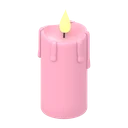 Candle 3D model: Candle
-
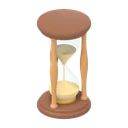 Hourglass 3D model: Hourglass
-
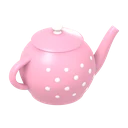 Teapot 3D model: Teapot
-
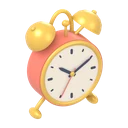 Alarm Clock 3D model: Alarm Clock
-
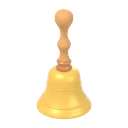 Hand Bell 3D model: Hand Bell
-
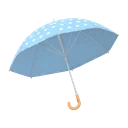 Umbrella 3D model: Umbrella
-
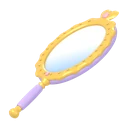 Hand Mirror 3D model: Hand Mirror
-
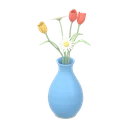 Flower Vase 3D model: Flower Vase
-
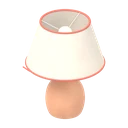 Table Lamp 3D model: Table Lamp
-
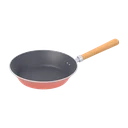 Frying Pan 3D model: Frying Pan
-
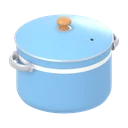 Cooking Pot 3D model: Cooking Pot
-
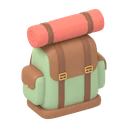 Backpack 3D model: Backpack
-
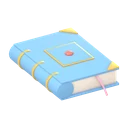 Book 3D model: Book
-
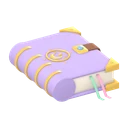 Spell Book 3D model: Spell Book
-
 Book Stack 3D model: Book Stack
-
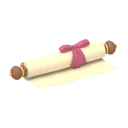 Scroll 3D model: Scroll
-
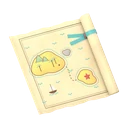 Sealed Treasure Map 3D model: Sealed Treasure Map
-
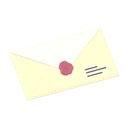 Sealed Letter 3D model: Sealed Letter
-
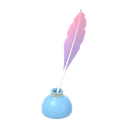 Quill and Inkpot 3D model: Quill and Inkpot
-
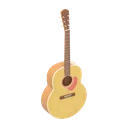 Acoustic Guitar 3D model: Acoustic Guitar
-
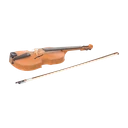 Violin 3D model: Violin
-
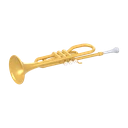 Trumpet 3D model: Trumpet
-
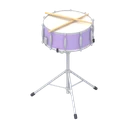 Snare Drum 3D model: Snare Drum
-
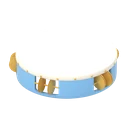 Tambourine 3D model: Tambourine
-
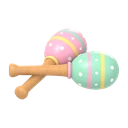 Maracas 3D model: Maracas
-
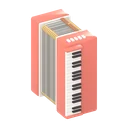 Accordion 3D model: Accordion
-
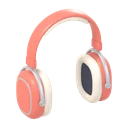 Headphones 3D model: Headphones
-
 Vinyl Record 3D model: Vinyl Record
-
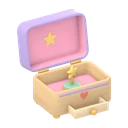 Music Box 3D model: Music Box
-
 Soccer Ball 3D model: Soccer Ball
-
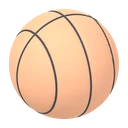 Basketball 3D model: Basketball
-
 American Football 3D model: American Football
-
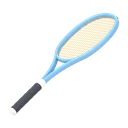 Tennis Racket 3D model: Tennis Racket
-
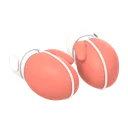 Boxing Gloves 3D model: Boxing Gloves
-
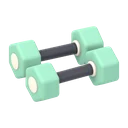 Hex Dumbbells 3D model: Hex Dumbbells
-
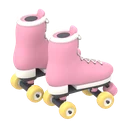 Roller Skates 3D model: Roller Skates
-
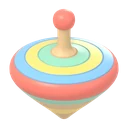 Spinning Top 3D model: Spinning Top
-
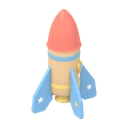 Toy Rocket 3D model: Toy Rocket
-
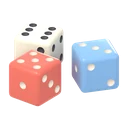 Dice 3D model: Dice
-
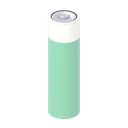 AA Batteries 3D model: AA Batteries
-
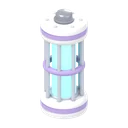 Energy Cell 3D model: Energy Cell
-
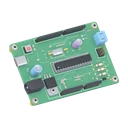 Circuit Board 3D model: Circuit Board
-
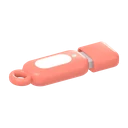 USB Stick 3D model: USB Stick
-
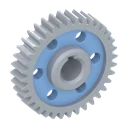 Spur Gear 3D model: Spur Gear
-
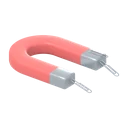 Horseshoe Magnet 3D model: Horseshoe Magnet
-
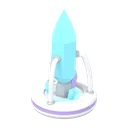 Energy Crystal 3D model: Energy Crystal
-
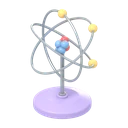 Atom Model 3D model: Atom Model
-
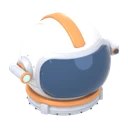 Astronaut Helmet 3D model: Astronaut Helmet
-
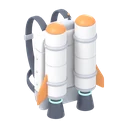 Jetpack 3D model: Jetpack
-
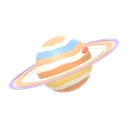 Ringed Planet 3D model: Ringed Planet
-
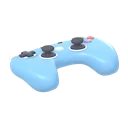 Game Controller 3D model: Game Controller
-
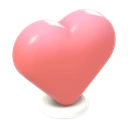 Heart Pickup 3D model: Heart Pickup
-
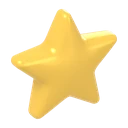 Star Pickup 3D model: Star Pickup
-
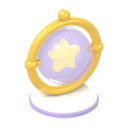 Power-Up Orb 3D model: Power-Up Orb
-
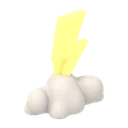 Lightning Bolt 3D model: Lightning Bolt
-
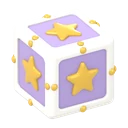 Mystery Item Box 3D model: Mystery Item Box
-
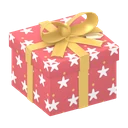 Christmas Gift Box 3D model: Christmas Gift Box
-
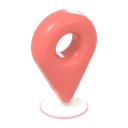 Location Pin Marker 3D model: Location Pin Marker
-
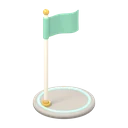 Checkpoint Flag 3D model: Checkpoint Flag
-
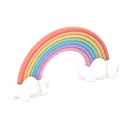 Rainbow 3D model: Rainbow
03Technical details
- Items
- 150
- Sizes
- 512 × 512 px · 256 × 256 px · 128 × 128 px · 64 × 64 px
- Outline versions
- 128 px (2 px) · 64 px (1 px)
- PNG
- 900
- Atlas
- 6 × 6 × 5 (512: 6,188 × 6,704 px · 256: 3,116 × 3,376 px · 128: 1,558 × 1,688 px · 128-outline: 1,558 × 1,688 px · 64: 790 × 856 px · 64-outline: 790 × 856 px)
- Camera
- Orthographic 3/4 view from the front left, 28° from above
- Framing
- Object centred, longest side 7 % from the edge
- Lighting
- Warm key, cool fill, soft rim, no ground shadow
- Metadata
- TexturePacker JSON Hash
- Download
- ZIP 59 MB, 915 files
- License
- CC0 1.0
Inside the ZIP: cozy-item-icons.zip
- cozy-item-icons/LICENSE.txt
- cozy-item-icons/README.md
- cozy-item-icons/vorschau.png
- cozy-item-icons/atlas/12 json/png
- cozy-item-icons/png/128/150 png
- cozy-item-icons/png/128-outline/150 png
- cozy-item-icons/png/256/150 png
- cozy-item-icons/png/512/150 png
- cozy-item-icons/png/64/150 png
- cozy-item-icons/png/64-outline/150 png
04Engine notes
Godot 4
Drop a single PNG into a TextureRect or set it as the icon of a Button. For many items, load one atlas and create an AtlasTexture per frame. Frame names in the JSON are the item slugs, such as potion-bottle.
Unity
Import as Sprite (2D and UI). Single PNGs use Sprite Mode Single. The atlases use Sprite Mode Multiple, sliced by cell size with 4 px padding at 512 and 256, 2 px at 128 and 64. Turn off mipmaps for crisp 64 px icons.
Phaser and PixiJS
Each atlas is a 6 × 5 grid in TexturePacker JSON Hash format with a meta.grab3d block (size, outline width, camera). Phaser loads it with load.atlas, PixiJS with Assets.load, and a frame is picked by its item slug.
05About the pack
A consistent inventory needs icons that look like one set. Here every item was shot with the same orthographic camera, a 3/4 view from the front left at 28 degrees, and the same soft lighting: a warm key from the upper left, a cool fill from the right and a light rim from behind.
Every object fills its square the same way. The longest side ends 7 % before the edge and the object sits in the centre, so a coin stack and a treasure chest read at the same weight in a slot grid. Long tools such as the pickaxe or the shovel lie diagonally, the classic inventory pose.
The outline versions add a soft, darker contour in the object's own colour (2 px at 128, 1 px at 64). At 64 px they stay readable on light slots and busy backgrounds. For pixel exact small icons, pick the file that matches your slot instead of scaling a larger one down.
Good for
- Inventories, crafting menus and loot screens
- Shop and quest log entries in RPGs and farming games
- Achievement badges and tutorial hints
- Card games, board game helpers and prototypes
Questions and answers
Which icon sizes are in the pack?
512, 256, 128 and 64 px, plus outline versions at 128 px (2 px outline) and 64 px (1 px outline). That makes 900 PNG files and 6 atlases.
When should I use the outline icons?
Mainly at 64 px on light inventory slots or patterned backgrounds, where the contour keeps the silhouette clear. On dark slots both versions read well.
Can I sell a game that uses these icons?
Sure. With CC0 1.0 there are no fees and no required credit, whether the icons end up in a paid game, a mod or a companion app.
How do I slice the atlas in Unity?
Set Sprite Mode Multiple, open the Sprite Editor and slice Grid By Cell Size: 512 or 256 with 4 px padding, 128 or 64 with 2 px padding. Unity numbers the 30 sprites, the JSON keeps the item names.
Do the icons match the 3D items?
Yes. Every icon was rendered from a free Grab3D 3D model, linked in the list on this page. The potion in the inventory looks exactly like the one on the shelf in your 3D scene.

More free 2D assets and textures
3D icon packs UI Basics 1UI Basics 2Business and MarketingCommunicationE-CommerceWeather and Nature
Texture categories Wood texturesFabric texturesStone texturesBrick and roof texturesGround texturesConcrete and tile texturesMetal textures